
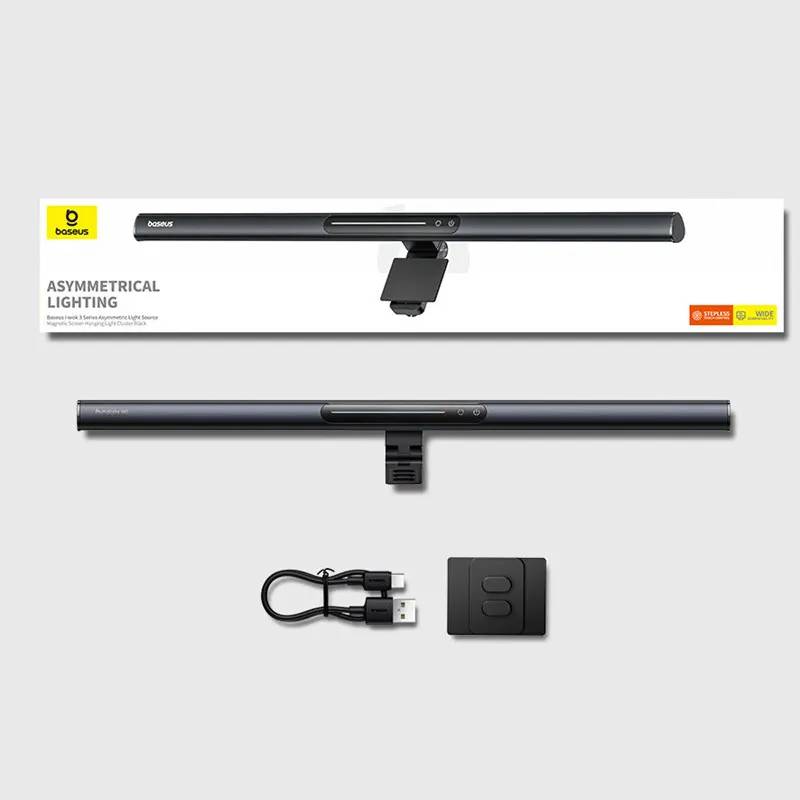
Baseus I-Wok 3 Series Magnetic Screen Hanging Light Bar with Asymmetric Light Source
৳4580
৳3030
34% OFF
Corporate & Bulk Orders
Need a custom quote? Contact our Sales Team on WhatsApp for exclusive pricing and quick responses.
WhatsApp UsCategory: Office and computer
The Baseus I-Wok 3 Series magnetic screen hanging light bar tackles a common pain point for desk users: balancing adequate illumination with screen glare. Unlike traditional desk lamps that flood the workspace with light, this product focuses asymmetric LED beams precisely on the desk surface, creating a natural lighting pattern that mimics daylight. This design choice is critical for users who spend hours at their desks, where reducing eye strain and maintaining focus are as important as task completion. The light bar’s ability to conform to both flat and curved monitors demonstrates its adaptability, making it suitable for a wide range of setups—from standard 24-inch monitors to larger ultrawide displays common among content creators and engineers.
Key Takeaways
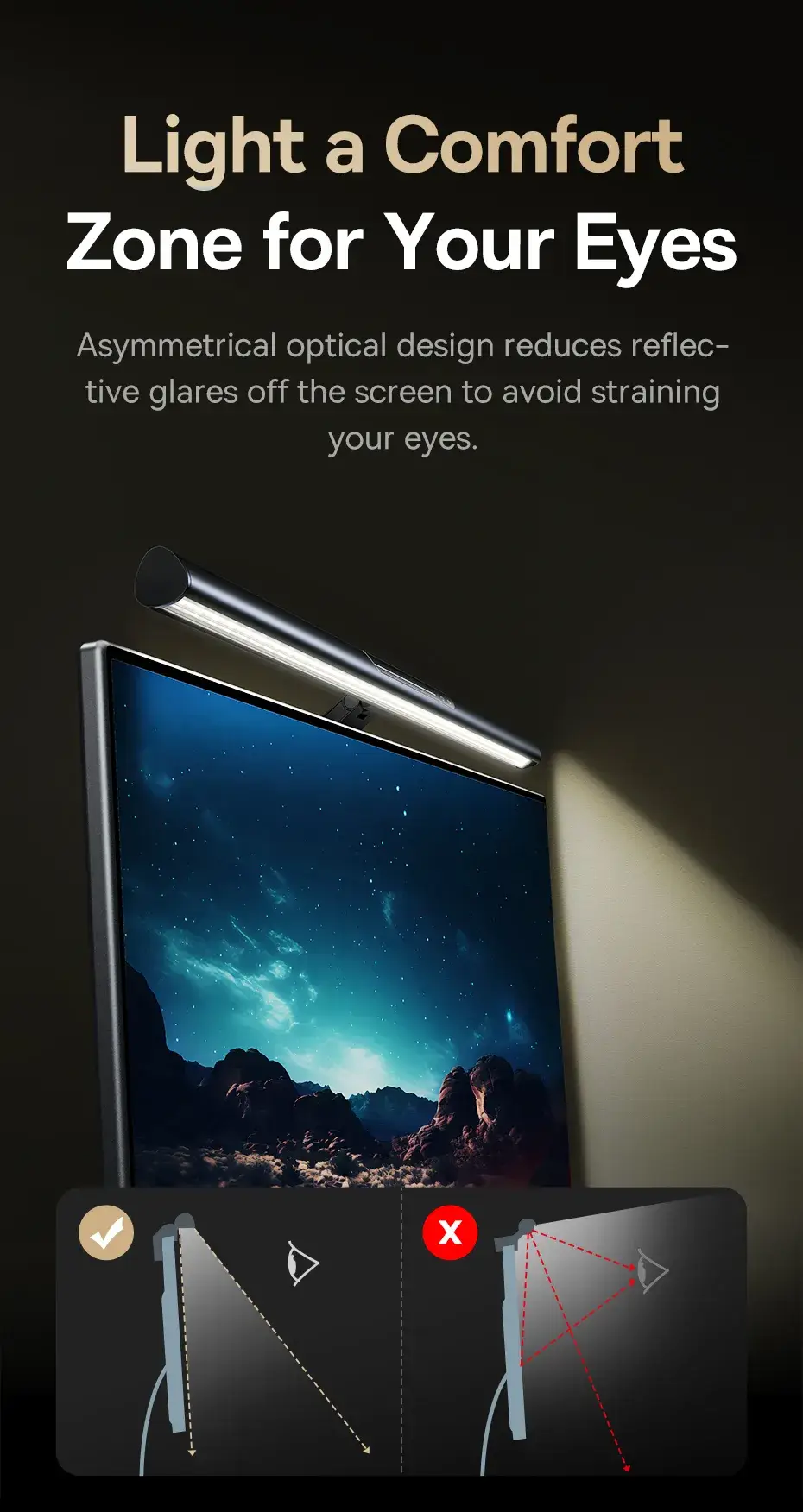
- Asymmetric illumination: Concentrates light on the workspace, not the screen, minimizing reflections that disrupt concentration.
- Adjustable design: Offers two height settings to accommodate monitors ranging from 15 to 34 inches, ensuring optimal positioning without tilting the head.
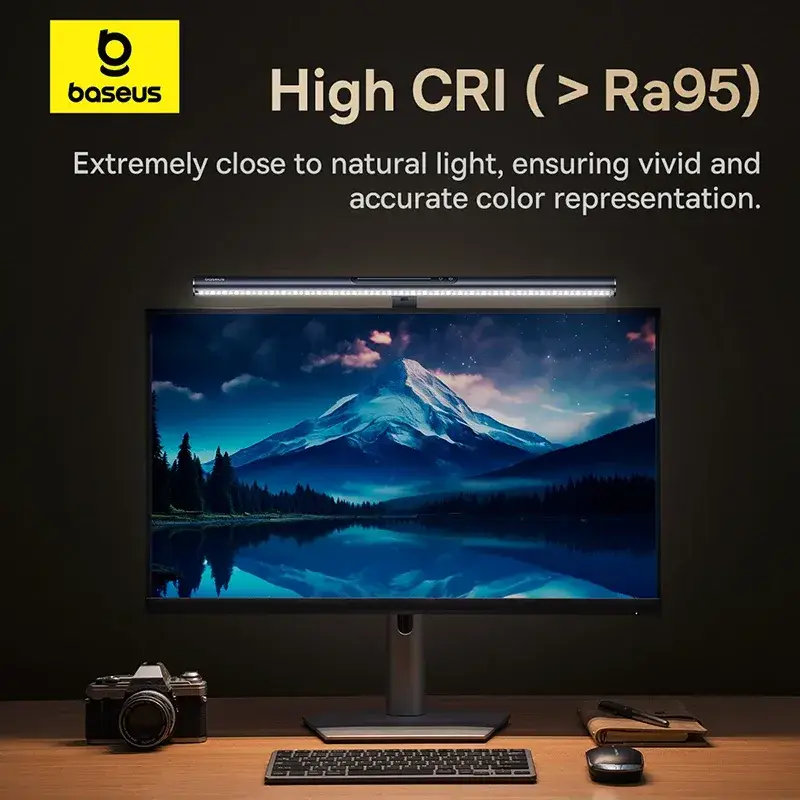
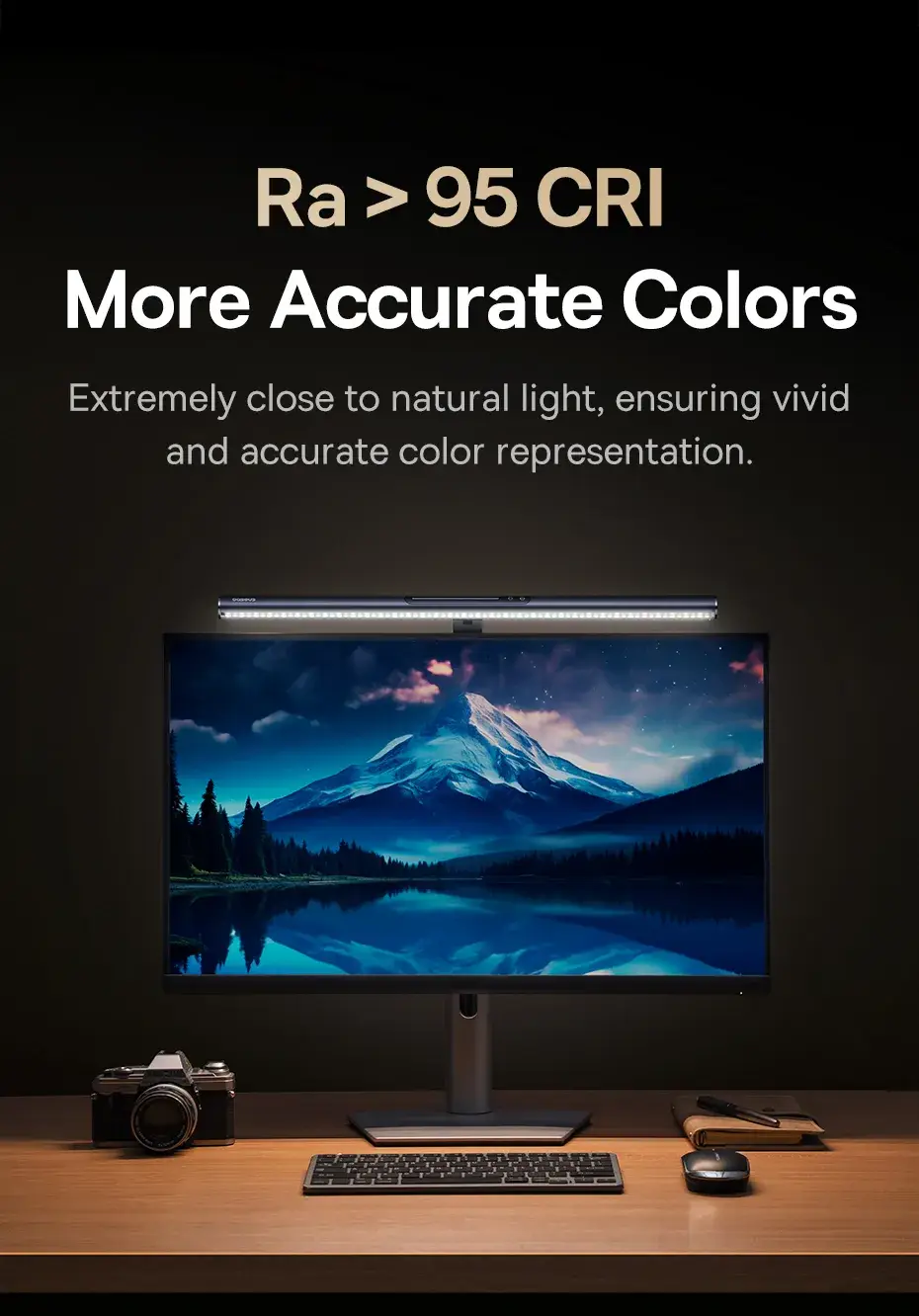
- Eye-care certified: Engineered with flicker-free LEDs and a color temperature range (2800K–5500K) that aligns with human circadian rhythms for reduced digital eye strain.
- Color versatility: Enables users to switch between warm (2800K) for relaxation and cool (5500K) for high-detail tasks like photo editing or coding.
- Energy efficiency: Uses a low-power USB-C connection, drawing less than 5W of power while maintaining consistent brightness.
What is the Baseus I-Wok 3 Magnetic Screen Light?
The Baseus I-Wok 3 is a compact, adhesive-free lighting solution designed for modern work environments. By replacing standard overhead lights or desk lamps with a magnetic light bar, users eliminate the need for cords or permanent installation. This portable design is especially beneficial for shared workspaces where drilling or screwing holes isn’t feasible. The light bar’s emphasis on asymmetric lighting addresses a specific ergonomic need: directing light where it’s needed—in the keyboard area and on documents—while keeping the monitor pristine. This is achieved through an LED strip that emits a narrow, controlled beam rather than omnidirectional glow, making it ideal for tasks requiring contrast, such as photo retouching or drafting blueprints.
Key Features
- Magnetic Mounting: Utilizes a high-grade neodymium magnet that securely attaches to flat or slightly curved monitors up to 34 inches diagonally. The magnet’s strength ensures stability even during vibrations from typing, without requiring screws or adhesive stickers that could damage the monitor surface.
- Stepless Color Control: Features a dial or button interface (based on the specific model variant) to adjust color temperature between 2800K, 4000K, and 5500K. This granularity allows users to fine-tune lighting for mood or task specificity—warm light for evening use, cool light for analytical work.
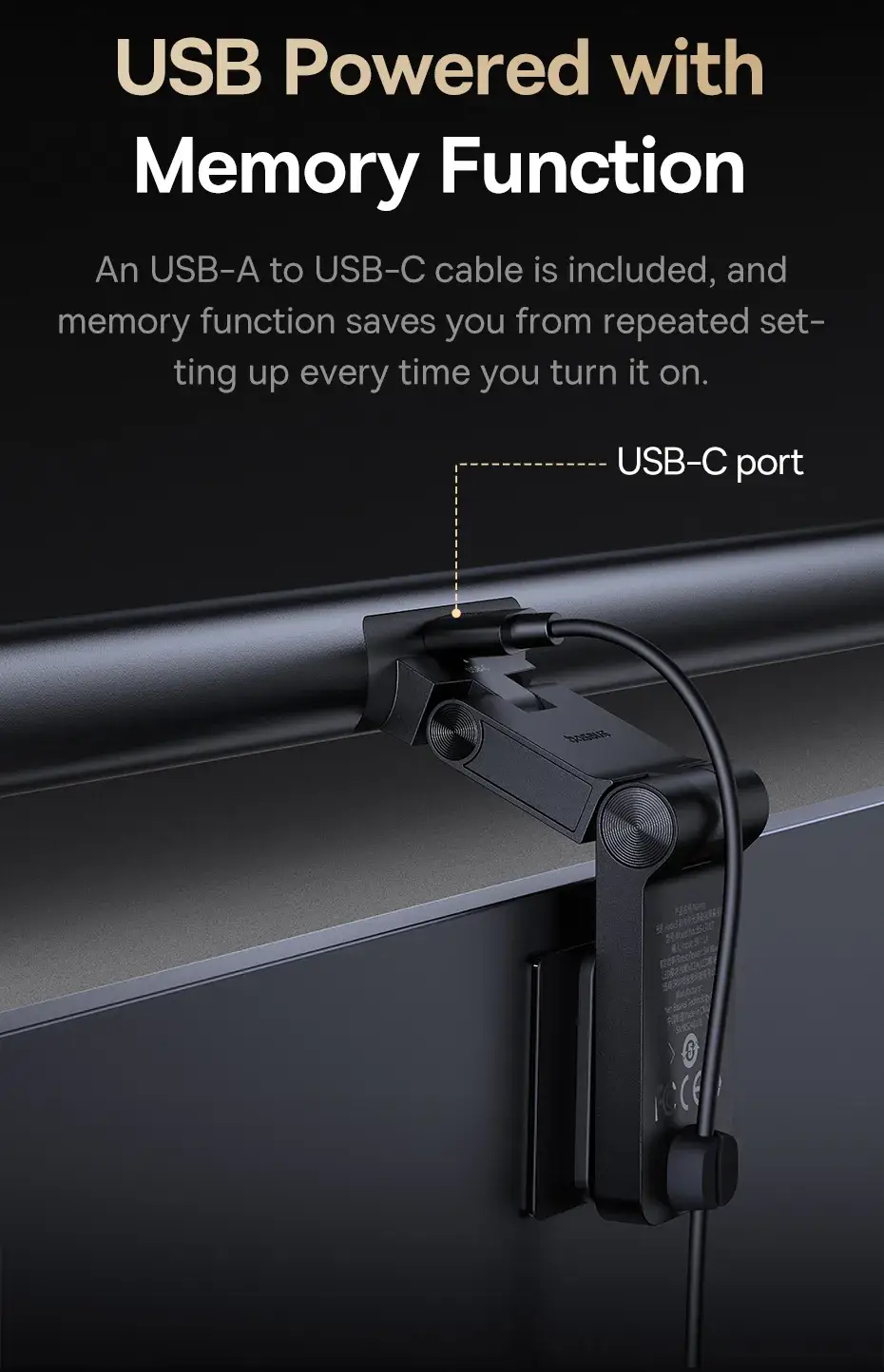
- Memory Function: Stores the last used brightness and color temperature settings in the LED driver. When the device is reactivated after a reboot or power cycle, it automatically reverts to the user’s preferred configuration, reducing setup time.
- USB-C Power Delivery: Includes a braided USB-A to USB-C cable rated for 60W, ensuring reliable power transfer without signal interference. This cable is designed to lie flat on the desk, avoiding clutter.
- Space-Saving Design: Mounts directly on the monitor’s edge, freeing up ~15–20% more desk surface compared to traditional desk lamps. This is particularly useful for compact workspaces where every inch matters.
- Durability: The LED strip and magnetic components are rated for 50,000+ hours of use, outlasting most conventional lighting solutions.
How to Install and Use the Baseus I-Wok 3
Installation is tool-free and takes less than five minutes. Users begin by ensuring the monitor’s surface is clean and free of dust. The magnetic plate is then aligned to the monitor’s top edge and pressed firmly into place—the magnet adheres instantly without leaving residue. Once secured, adjusting the height is done via the included adjustment knob or, in some variants, by detaching and reattaching the bracket to the desired level. This is especially helpful for users with standing desks or those who prefer ergonomic heights. Using the light bar is intuitive: a single button or toggle switch changes the color temperature, while sliding the magnetic mount adjusts brightness. For optimal results, position the light bar so that the LED strip is angled downward toward the desk, avoiding direct fixture over the screen.
Care and Maintenance
To ensure longevity, dust should be wiped from the LED strip surface using a microfiber cloth monthly. The magnetic component should never be exposed to extreme heat or moisture, as this could weaken adhesion. If the USB-C cable becomes frayed, it should be replaced immediately to prevent power instability. The light bar’s materials are resistant to scratches, but avoid using abrasive cleaners. For best performance, keep the color temperature within the recommended range—exceeding 5500K may cause blue light leakage, while going below 2800K could reduce alertness during daytime tasks. The magnetic mount can be reused on other monitors if needed, making this a versatile investment for multi-monitor setups.
Who Benefits Most from the Baseus I-Wok 3?
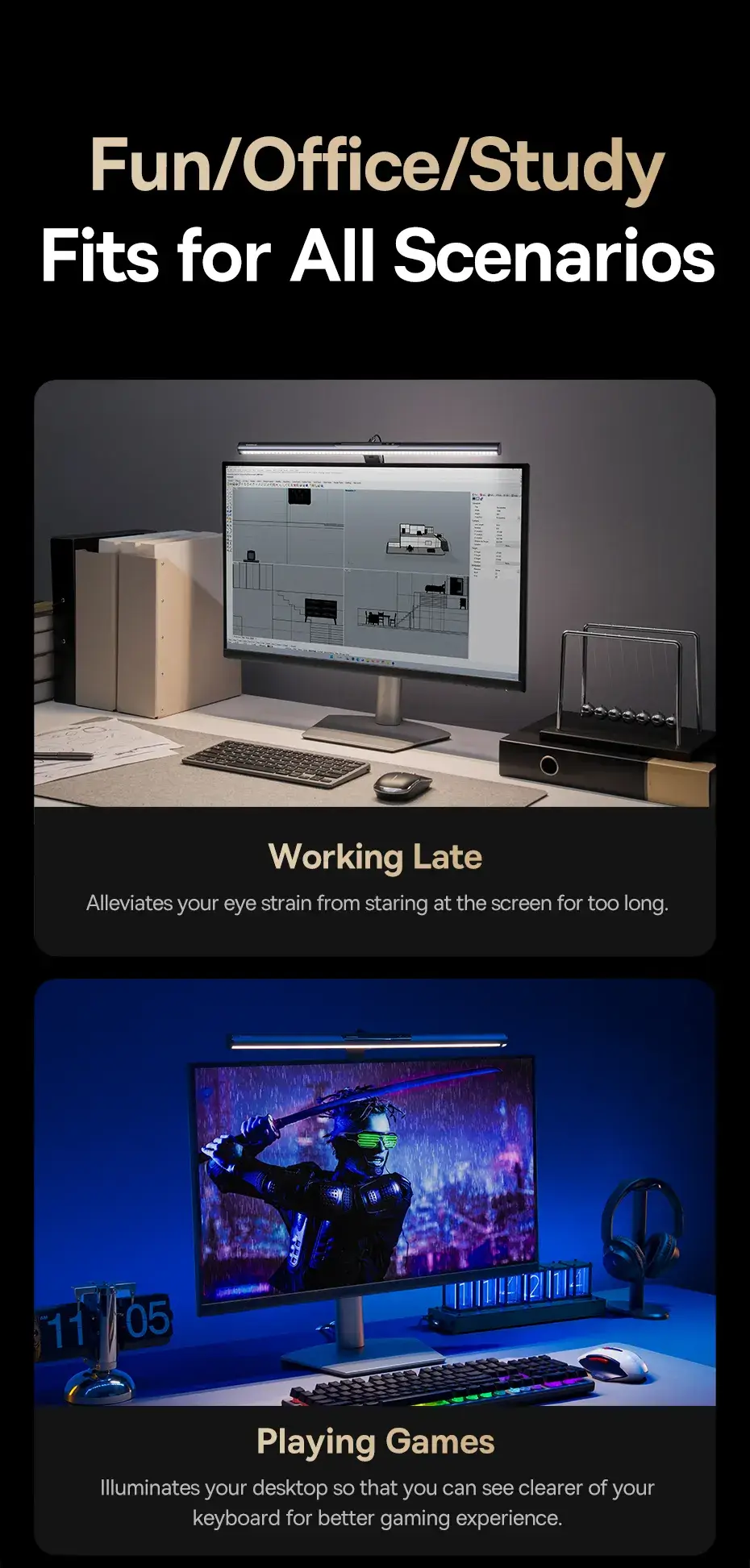
This light bar is tailored for professionals and students in visually demanding fields. Graphic designers, video editors, and 3D modelers often work in environments with multiple monitors and require precise lighting to spot color discrepancies. Writers and programmers benefit from the glare-free workspace, which enhances readability during late nights. Students in dorms or shared apartments appreciate its portability and easy setup without relying on room lighting. Additionally, anyone with eye sensitivity issues—such as migraines or photophobia—may find the adjustable color temperature and asymmetric lighting helpful in mitigating discomfort. Compared to competitors like the AmazonBasics or Anker brands, the I-Wok 3 stands out for its magnetic design and memory retention, which are absent in many budget alternatives.
Buying Guidance for the Baseus I-Wok 3
When selecting this light bar, consider your monitor’s size and curvature. The magnetic mount works best on displays with a flat or mildly curved surface (radius ≥ 200mm). For monitors exceeding 34 inches, the I-Wok 3 may require creative placement, as the magnetic bass is designed for compact to mid-sized screens. Budget is another factor; priced between $35–$50 depending on color temperature options, it offers a premium feel compared to $20–$30 basic models. However, the absence of USB-powered dimming in some versions could be a drawback for users needing precise light control. Lastly, check compatibility with your desk setup—those using vertical desks or monitors mounted on stands may need adhesive brackets (not included) for optimal positioning. Always verify the included USB-C cable’s length; some users reported needing an extension for distant power sources.
- Full refund available
We accept returns for eligible items within 2 days from the date of delivery. To be eligible for a return, the item must be unused, in its original packaging, and in the same condition as when you received it. Items that are non-returnable include [list any specific non-returnable items such as perishable goods, intimate items, etc.]
At adatun.com, we are committed to protecting your privacy and ensuring the security of your personal information. This Privacy Policy outlines how we collect, use, disclose, and protect the information you provide to us. By using our website, you consent to the practices described herein.
- The Baseus I-Wok 3 magnetic screen light bar features a flexible magnetic mounting system. While designed for broad compatibility, its performance on highly curved monitors depends on the top bezel design. The magnetic backing allows for adaptable placement, ensuring stable illumination on most standard flat and mildly curved display profiles common in modern office environments.
- The Baseus I-Wok 3 light bar is specifically engineered with an asymmetric light source. This technology directs the beam at an angle, illuminating the desktop surface directly in front of the monitor without reflecting back into the screen. This design effectively prevents annoying glare, ensuring that users can see their monitor content clearly without distracting reflections.
- Users can adjust the color temperature on the Baseus I-Wok 3 by using the touch-sensitive control located on the unit. Simply tap and hold the control button to cycle through the three available color temperature settings: 5500K white light for focus, 4000K mixed light for multitasking, and 2800K warm light for reading. The built-in memory function remembers your preferred setting.
- Yes, the Baseus I-Wok 3 light bar is powered via the included USB-A to USB-C cable. You can connect it directly to any powered USB-A port on your computer, laptop, or docking station. For optimal performance and stable brightness levels, ensure your USB port provides sufficient power, or use a wall adapter if the computer port is occupied or underpowered.
Related in this store
- ergonomic laptop stand— Complements desk setup for improved professional ergonomics.
- wireless mouse— Related productivity gadget for a modern desktop workspace.
- USB-C hub— Useful for connecting multiple desk accessories like light bars.
Sources
- ISO 9241 Ergonomic requirements for office work— Authoritative standard for office ergonomics and lighting.
- Guidelines on blue light and eye health— Supports the importance of proper lighting in reducing eye strain.
Reviewed by Adatun Product Team, Lead Merchandiser — reviewed by our category experts