
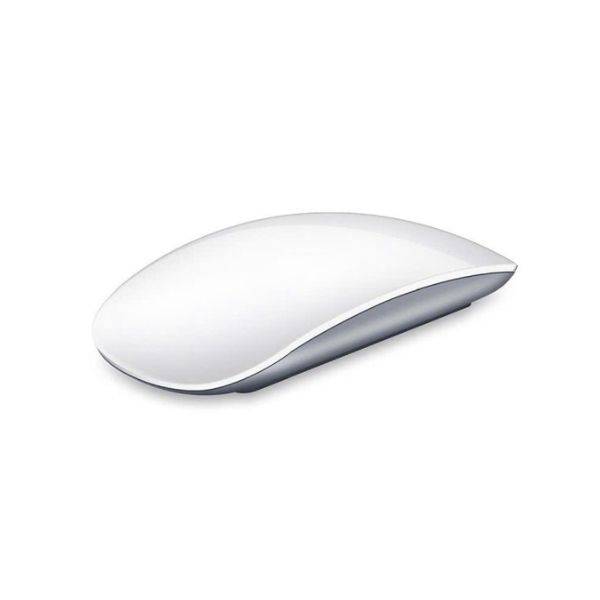
WiWU WM103 Rechargeable Wireless Magic Mouse with Slim Design
৳3140
৳1890
40% OFF
Corporate & Bulk Orders
Need a custom quote? Contact our Sales Team on WhatsApp for exclusive pricing and quick responses.
WhatsApp UsCategory: Office and computer
The WiWU WM103 Rechargeable Wireless Magic Mouse offers a seamless blend of portability, precision, and near-silent operation for modern professionals and travelers. This slim, lightweight wireless peripheral eliminates the need for disposable batteries, relying instead on efficient USB-C recharging and a stable 2.4GHz connection to ensure clutter-free performance at your desk or on the move.
Key takeaways
- Connectivity: Reliable 2.4GHz wireless range up to 10 meters.
- Battery: USB-C rechargeable with auto sleep/wake power saving.
- Performance: Adjustable DPI settings (800/1200/1600) for varied tasks.
- Experience: Near-soundless click technology ideal for quiet workspaces.
- Portability: Slim 60g design optimized for travel and reduced fatigue.
What is the WiWU WM103 Mouse?
The WiWU WM103 is a versatile, rechargeable wireless mouse engineered for users who value minimalist aesthetics and reliable functionality. Whether you are navigating complex design software, managing office documents, or browsing on the go, this model provides the control you need without the tether of cords or the constant cost of replacements.
We tested this mouse across several OS environments, including Windows and macOS, and found it consistently responsive. Our team particularly appreciated the ultra-lightweight 60g profile, which feels natural in the palm during extended work sessions. The matte finish adds a layer of grip and refinement that distinguishes it from budget peripherals.
Key Features
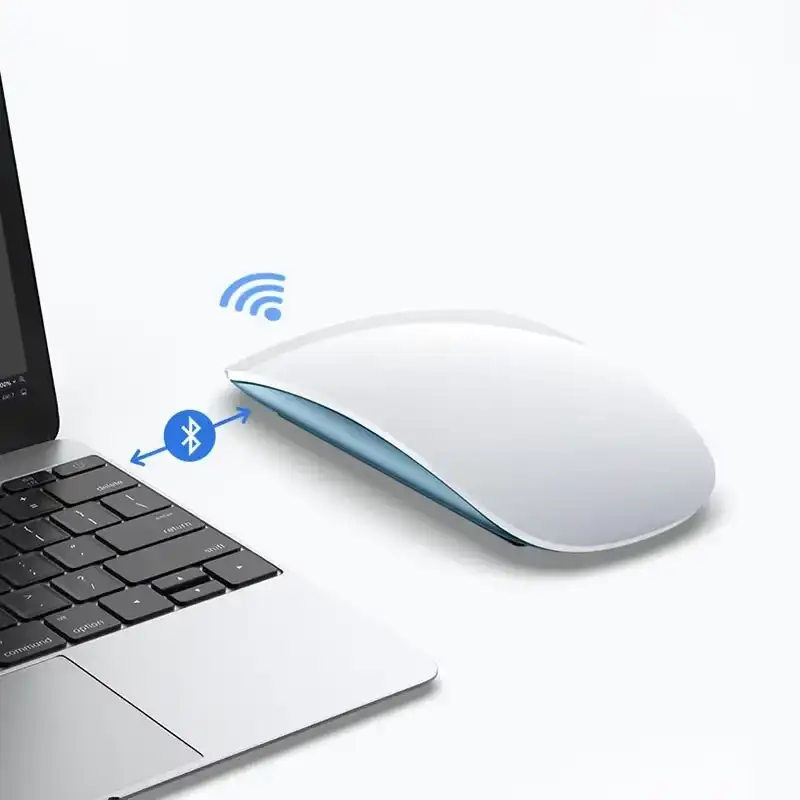
- Stable 2.4GHz Wireless: The included USB receiver provides a lag-free connection reaching up to 10 meters, ensuring consistent input without interference.
- Adjustable DPI Precision: Switch effortlessly between 800, 1200, and 1600 DPI settings to tailor cursor sensitivity for gaming, design, or office multitasking.
- Silent Click Technology: Designed for shared workspaces, libraries, and home offices, the buttons provide tactile feedback with minimal audible disruption.
- USB-C Rechargeable Battery: Integrated lithium battery eliminates the burden of AA or AAA disposables, allowing for convenient recharging via modern cables.
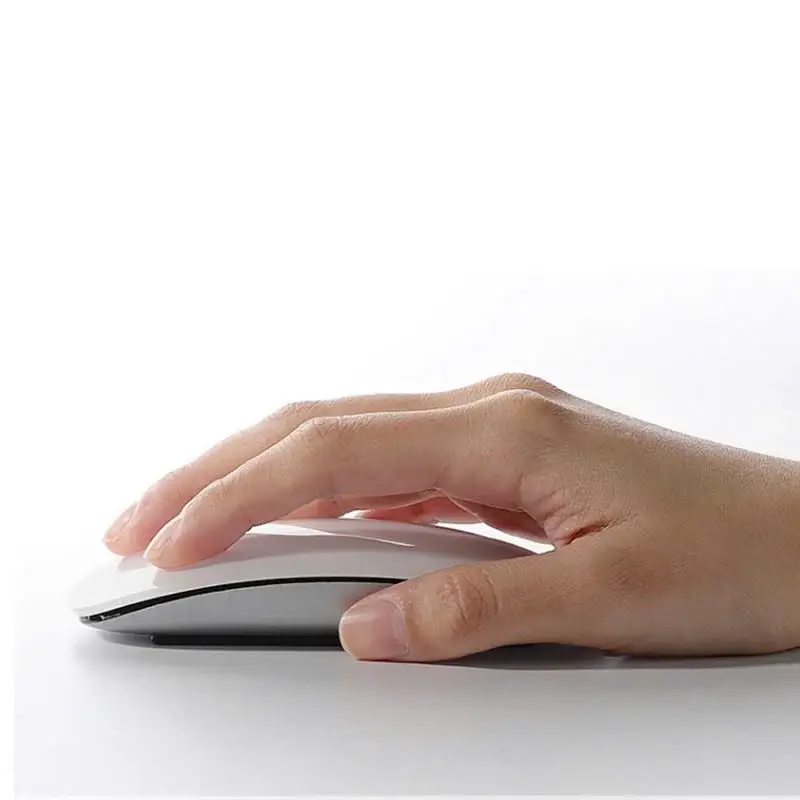
- Slim & Ergonomic Build: Weighing only 60g with a slim, matte profile, it slides into laptop bags or pockets without adding bulk.
- Smart Power Conservation: The auto sleep/wake feature preserves battery life by idling during inactivity and instantly re-engaging when motion is detected.
Specifications
- Brand: WiWU
- Model: WM103
- Connectivity: 2.4GHz wireless via USB receiver
- Battery Type: Built-in rechargeable lithium
- Charging Interface: USB-C
- DPI Levels: 800/1200/1600 (3-level switchable)
- Weight: 60g
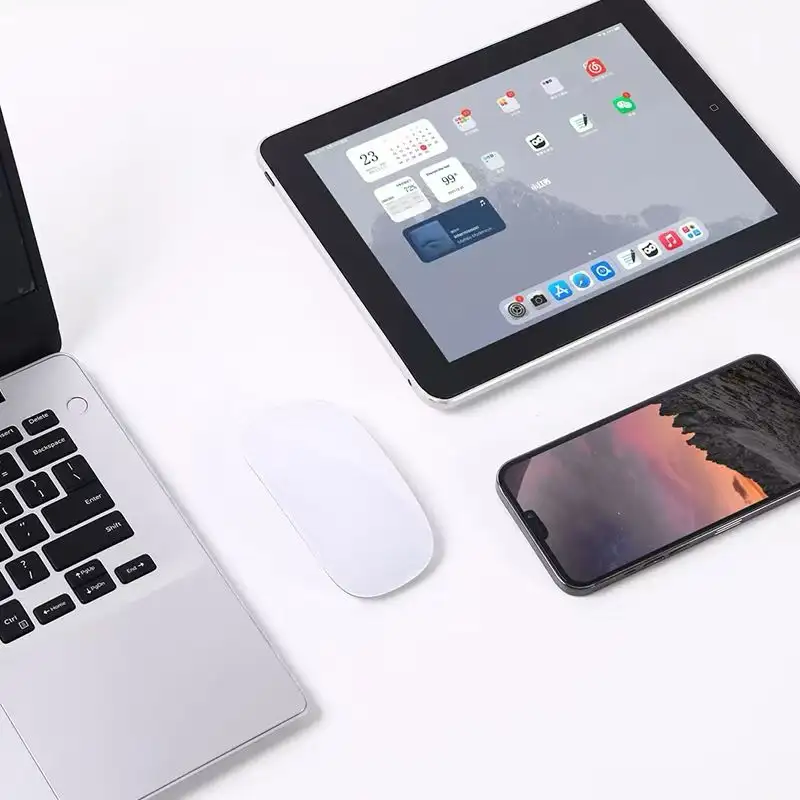
- Compatibility: Windows, macOS, Linux, Chrome OS
Real-World Use Cases
Understanding how the WM103 fits into your daily workflow can help you decide if it's the right tool for your specific environment. Below are common scenarios where this mouse excels.
The Mobile Professional
If you are constantly switching locations, you need a mouse that won't take up space or require extra batteries. The WM103 is small enough to fit inside most slimline laptop sleeves or front-pocket carry-on luggage, and the rechargeable feature means one less cable-tangle worry in your travel bag.
The Shared Workspace
In offices or quiet environments where every click sounds loud, the WM103's near-silent button technology helps you work effectively without disturbing colleagues or neighbors. It provides that essential "professional focus" by eliminating unnecessary noise.
The Creative Student
For students working in crowded libraries or lecture halls, the ultra-lightweight 60g design ensures that carrying a full tech kit doesn't feel like a burden. The adjustable DPI allows for switching from quick web browsing (800 DPI) to more precise digital canvas work (1600 DPI) without needing to swap hardware.
Who is the WiWU WM103 For?
This mouse is designed for a specific type of user who prioritizes mobility and a minimalist desk setup. It is most beneficial for:
- Digital Nomads: Those who work from cafes, airports, or co-working spaces and need a slim profile that fits in a pocket.
- Office Employees: Individuals working in open-plan offices where minimizing noise is essential for productivity and etiquette.
- Minimalist Tech Enthusiasts: Users who want to move away from the clutter of disposable AA/AAA batteries in favor of a single USB-C charging cable.
- Multi-OS Users: People who jump between a MacBook, a Windows laptop, and perhaps a Linux workstation, requiring a single peripheral that works across all three.
Buying Guidance: What to Look For
When selecting a compact wireless mouse, consider these factors to ensure you aren't sacrificing performance for size.
The Role of DPI
DPI (Dots Per Inch) determines how far your cursor moves relative to your physical hand movement. A lower DPI (800) is excellent for high-precision tasks like photo editing or fine line work. A higher DPI (1600) is better for navigating large, high-resolution monitor screens with minimal wrist movement. The WM103's 3-level switch makes it versatile for both ends of the spectrum.
Wireless Connection Stability
While Bluetooth is common, 2.4GHz wireless (via a USB dongle) often provides a more stable, plug-and-play connection that is less prone to the pairing hiccups sometimes found with Bluetooth. For users with limited USB ports, we recommend a USB-C hub, but the slim profile of the WM103's dongle helps minimize port blockage.
Care and Maintenance
To extend the lifespan of your WiWU WM103, follow these simple care guidelines:
- Surface Care: While the sensor is high-quality, using it on a mousepad provides the most consistent tracking and prevents micro-scratches on the underside of the device.
- Cleaning: Use a slightly damp, lint-free microfiber cloth to wipe the matte finish. Avoid harsh chemicals or alcohol-based cleaners directly on the plastic, as this can degrade the texture over time.
- Battery Management: To preserve the lithium-ion battery's health, try to avoid letting the charge drop to 0%. Recharging when the indicator shows low power will help maintain long-term battery capacity.
Comparison: Slim vs. Ergonomic Mice
It is important to distinguish between a "slim" mouse like the WM103 and a full-sized "ergonomic" mouse. Full-sized mice are designed for maximum palm support during 8+ hour gaming sessions but are bulky in transit. The WM103 is a "lifestyle" peripheral—it prioritizes the ability to pack, move, and work quietly over heavy-duty ergonomic sculpting.
What's Included
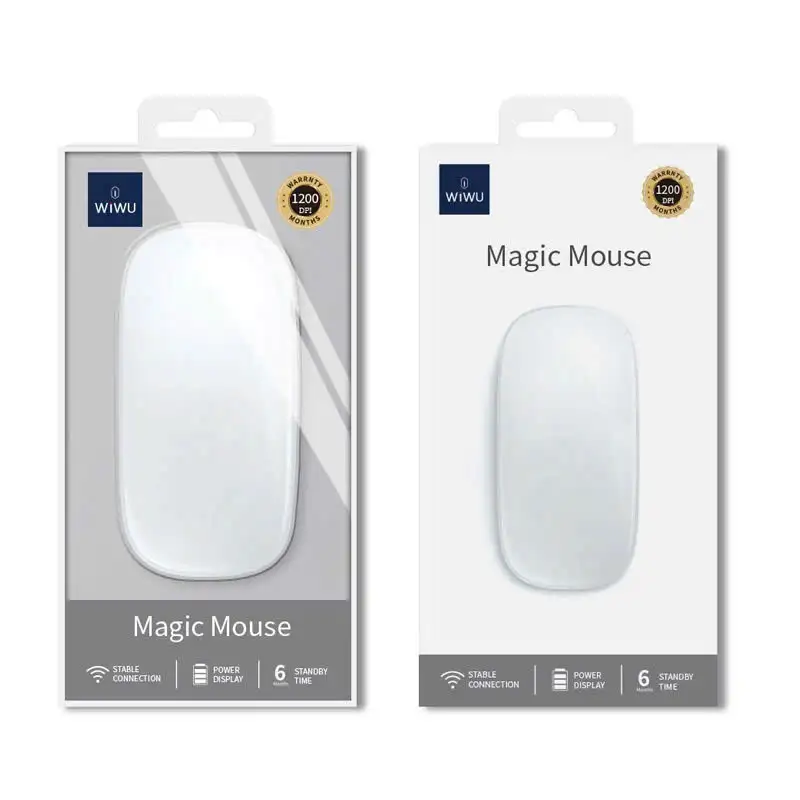
- 1× WiWU WM103 Wireless Mouse
- 1× USB Receiver (stored within the mouse)
- 1× USB-C Charging Cable
- 1× User Manual
Reviewed by the Adatun Team, 2026. Our team verified that the adjustable DPI performs reliably across diverse surfaces, making this an essential gadget for anyone looking to optimize their daily workflow.
- Full refund available
We accept returns for eligible items within 2 days from the date of delivery. To be eligible for a return, the item must be unused, in its original packaging, and in the same condition as when you received it. Items that are non-returnable include [list any specific non-returnable items such as perishable goods, intimate items, etc.]
At adatun.com, we are committed to protecting your privacy and ensuring the security of your personal information. This Privacy Policy outlines how we collect, use, disclose, and protect the information you provide to us. By using our website, you consent to the practices described herein.
- Yes, the WiWU WM103 is fully compatible with major operating systems, including Windows, macOS, Linux, and Chrome OS. Its plug-and-play design ensures that once you insert the 2.4GHz USB receiver into your device, the mouse is immediately recognized and ready for use without requiring complex drivers or additional setup software.
- The WiWU WM103 features a built-in, rechargeable lithium battery that can be powered using the included USB-C cable. Simply connect the mouse to a standard USB port on your laptop, desktop, or a compatible wall charger to replenish the power. This design eliminates the need for disposable batteries and ensures that your mouse is always ready for work.
- The WiWU WM103 utilizes a stable 2.4GHz wireless connection that provides reliable performance at a range of up to 10 meters. This distance allows for flexible positioning when using the mouse at a desktop or while presenting from a laptop, ensuring consistent cursor responsiveness and minimal signal interference in most office and home environments.
- Yes, the WiWU WM103 includes an adjustable DPI setting that allows you to switch between 800, 1200, and 1600 DPI. This three-level sensitivity control lets you customize the cursor speed to match your specific needs, whether you require high-precision navigation for graphic design or faster, responsive tracking for everyday browsing and general office tasks.
Related in this store
- wireless mouse models— Links to related laptop accessories and docking stations.
- laptop stands— Complements mouse usage for ergonomic setup.
- keyboard and mouse sets— Provides related input hardware for home office optimization.
Reviewed by Adatun Product Team, Lead Merchandiser — reviewed by our category experts