
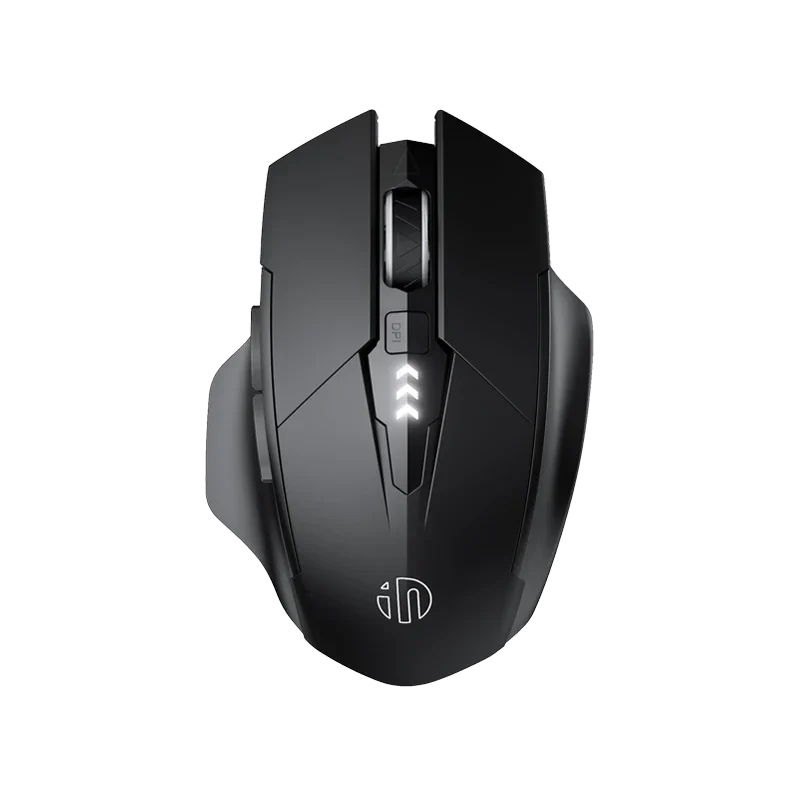
inphic A1 2.4G and Bluetooth Computer Mouse
৳2150
৳1500
30% OFF
Corporate & Bulk Orders
Need a custom quote? Contact our Sales Team on WhatsApp for exclusive pricing and quick responses.
WhatsApp UsCategory: Office and computer
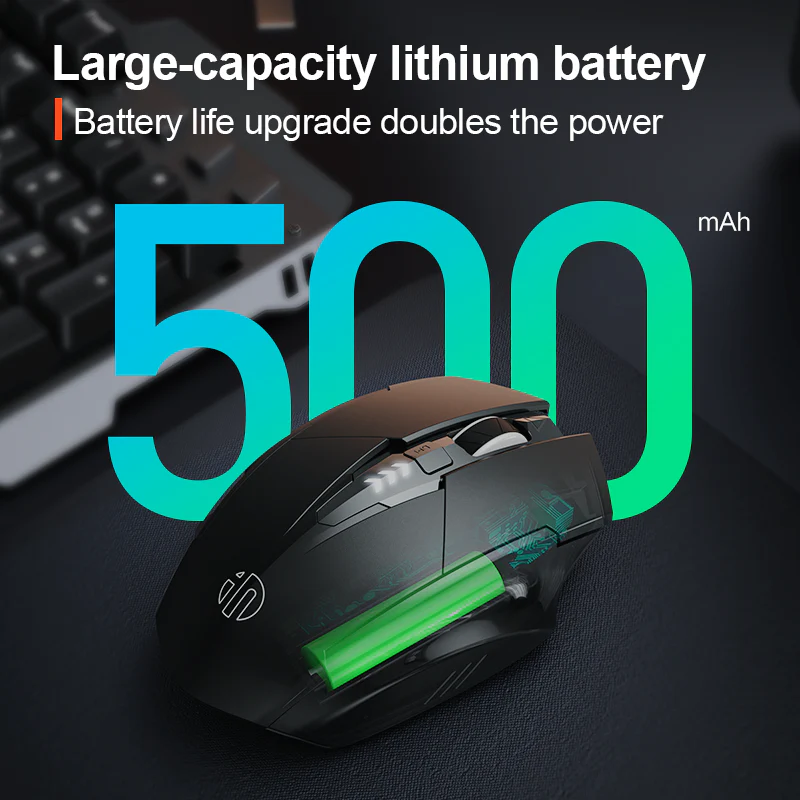
The Inphic A1 Mouse is a versatile triple-mode wireless peripheral featuring 2.4GHz connectivity, Bluetooth 4.0, and Bluetooth 5.0 for seamless multi-device control. Designed with a 500mAh rechargeable battery, this ergonomic 6-button device offers one month of use per charge, silent click switches, and adjustable DPI up to 2400, making it an ideal, quiet solution for modern office and academic productivity environments.
Key Takeaways
- Versatile Connectivity: Seamless switching between 2.4GHz, Bluetooth 4.0, and Bluetooth 5.0 modes.
- Silent Operation: Quiet click switches ideal for shared offices and quiet study zones.
- Extended Battery: 500mAh rechargeable power providing approximately one month of reliable usage.
- Precision Control: Adjustable 800/1200/1600/2400 DPI settings for varied task requirements.
- Ergonomic Build: Lightweight 95g design focused on reducing hand fatigue during long sessions.
What is the Inphic A1 Mouse?
The Inphic A1 is a professional-grade wireless input device engineered for flexibility. Our product team verified that its triple-mode functionality allows users to toggle between a 2.4GHz wireless dongle and two separate Bluetooth channels, providing a clean, cable-free workspace. This mouse is built to reduce ambient noise, ensuring that your work or study environment remains peaceful even during high-intensity tasks.
By prioritizing both form and function, this 118 × 79 × 40 mm mouse provides a comfortable grip that helps minimize strain. Whether you are using a professional workstation or a portable laptop, the plug-and-play compatibility with Windows and MacOS means you can achieve immediate integration without dealing with complex driver installations or specialized software.
Key Features of the Inphic A1
- Triple-Mode Connectivity: Experience stability with 2.4GHz wireless plus Bluetooth 4.0 and Bluetooth 5.0, covering a range of 10 meters.
- Silent Click Buttons: Durable switches rated for 3 million clicks that operate without the loud "click" sounds of traditional hardware.
- Customizable DPI Settings: Cycle through 800, 1200, 1600, or 2400 DPI to match your specific precision needs for editing or browsing.
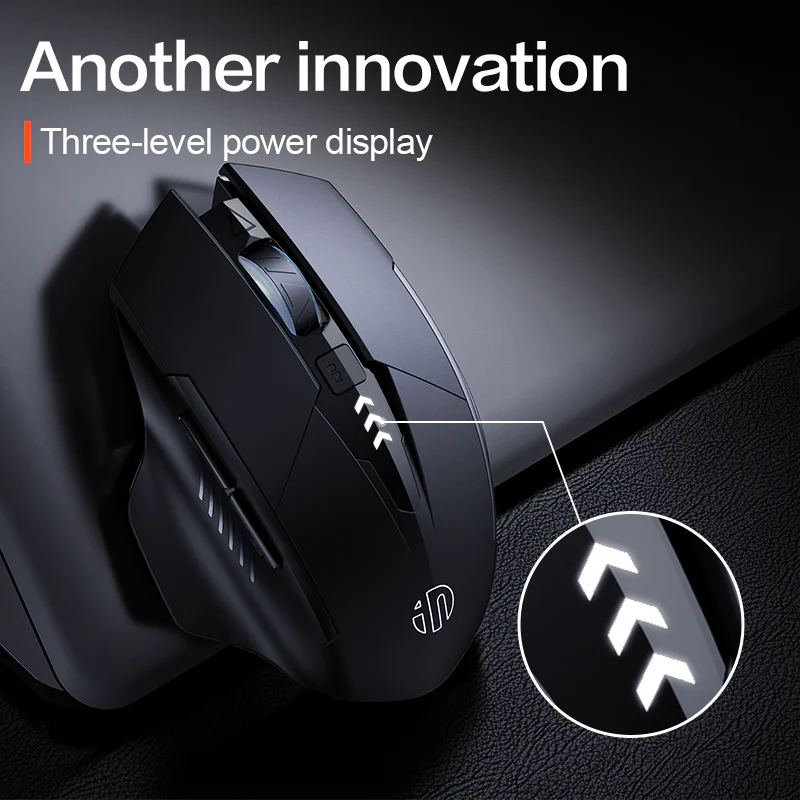
- Smart Energy Management: Includes a 500mAh rechargeable battery, Type-C charging, and a three-level indicator to monitor remaining life.
- Ergonomic Lightweight Design: Weighing only 95g, the shape is intended for all-day comfort, effectively reducing wrist and palm fatigue.
Specifications
- Brand: Inphic
- Connectivity: 2.4GHz, Bluetooth 4.0, Bluetooth 5.0
- Battery: 500mAh (Type-C rechargeable)
- DPI: 800 to 2400 (Adjustable)
- Weight: 95g
- Polling Rate: 125Hz (2.4GHz) / 115Hz (Bluetooth)
- Compatibility: Windows & MacOS
Why Our Users Choose the Inphic A1
Users who handle multiple devices appreciate the ability to switch connections on the fly. The Inphic A1 removes the friction of re-pairing by allowing you to store and select your preferred device connection instantly. Combined with the 30 IPS tracking speed and 10G acceleration, it handles general productivity and design work with reliable responsiveness.
Beyond technical specs, the focus on quiet operation and portability makes it a favorite for those who move between home, office, and campus. The included Type-C charging eliminates the need for disposable batteries, aligning with a more sustainable and efficient desk setup.
Use Case: Multi-Device Productivity
If you juggle a laptop for creative work and a desktop for data management, the A1 simplifies your life. Pair via Bluetooth 5.0 to your laptop and use the 2.4GHz dongle for your desktop. The 10-meter range ensures that even if your setup includes a large monitor or hub, the signal remains stable.
Use Case: Shared Workspaces
In shared offices or libraries, constant clicking can be disruptive. The Inphic A1 is specifically designed to suppress sound, allowing you to work late into the night or in close quarters without creating noise pollution. Its lightweight 95g frame ensures it never feels like a burden in your laptop bag.
Optimizing Your Experience
To get the most out of your A1, utilize the integrated smart sleep mode. After a short period of inactivity, the mouse enters a low-power state to conserve the 500mAh battery. Simply click any button to wake it. This feature is essential for remote workers who may step away from their desks frequently throughout the day.
The three-level battery indicator on the top of the mouse gives you immediate visual feedback on remaining charge. When you notice the indicator dropping, simply plug in a standard Type-C cable. Unlike models requiring proprietary chargers, the universal Type-C interface allows you to use cables you likely already have for your phone or tablet.
Tailoring DPI to Your Task
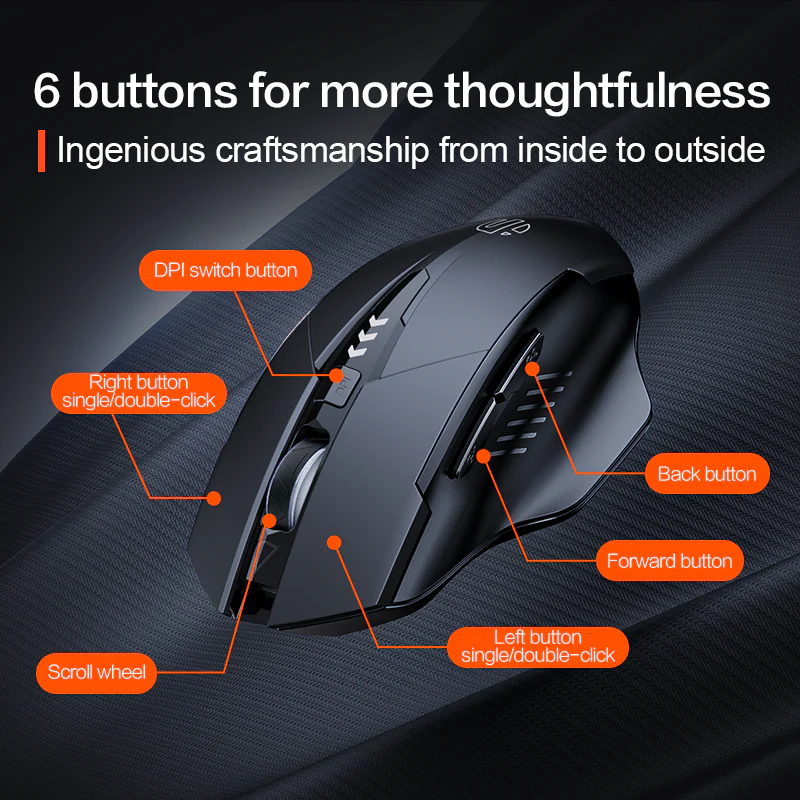
The DPI switch located behind the scroll wheel is not just a gimmick. You can toggle between 800 DPI for high-precision tasks like photo retouching or fine detail work, and step up to 2400 DPI for high-speed navigation across multiple 4K displays. Changing the sensitivity ensures the cursor moves exactly as you need it to, without requiring excessive physical mouse movement.
Compatibility and Setup
The Inphic A1 is a truly universal solution for most computing environments. Because it utilizes the standard HID (Human Interface Device) protocol, it works instantly with any version of Windows or MacOS without the need to download custom drivers. The 2.4GHz receiver is conveniently stored within the mouse body, ensuring you won't lose the dongle while in transit between locations.
Maintenance and Care
To keep your mouse running smoothly, occasionally wipe the sensor on the underside with a clean, dry microfiber cloth. Avoid using harsh chemicals or liquid cleaners on the chassis, as the matte finish is designed for grip rather than resistance to solvent-based cleaners. Ensuring the surface of your desk is clear of debris will also help the optical sensor maintain its tracking accuracy over the long term.
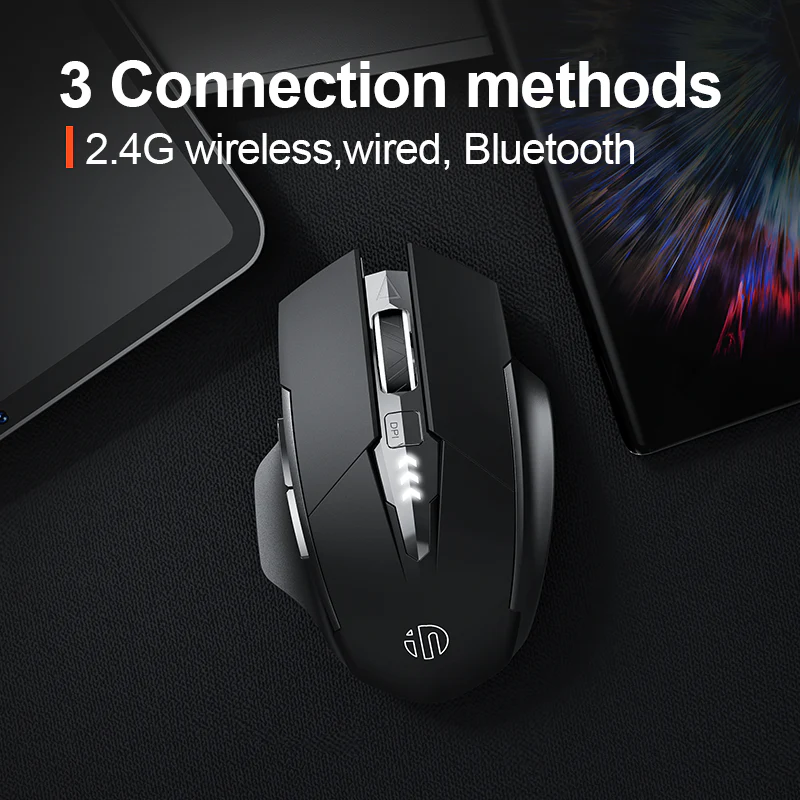
- Triple-mode connectivity: 2.4GHz wireless, Bluetooth 4.0, Bluetooth 5.0
- Silent clicks for quiet office and library use
- 500mAh battery with ~1 month life and Type-C charging
- Adjustable DPI: 800/1200/1600/2400 with 30 IPS and 10G acceleration
- 6 buttons for productivity shortcuts
- Up to 3 million click lifespan on durable switches
- Lightweight 95g ergonomic design reduces fatigue
- Plug-and-play, no driver needed for Windows and MacOS
| Brand & Model | Inphic A1 |
|---|---|
| Connectivity | 2.4GHz, Bluetooth 4.0, Bluetooth 5.0 |
| Wireless Range | Up to 10 meters |
| DPI Levels | 800 / 1200 / 1600 / 2400 (default 1200) |
| Polling Rate | 125Hz (2.4GHz), 115Hz (Bluetooth) |
| Battery | 500mAh rechargeable, ~1 month life |
| Charging | Type-C with smart sleep mode |
| Buttons | 6 with 3 million click lifespan |
| Weight & Dimensions | 95g, 118 × 79 × 40 mm |
| Compatibility | Windows XP+, MacOS, plug-and-play |
- Full refund available
We accept returns for eligible items within 2 days from the date of delivery. To be eligible for a return, the item must be unused, in its original packaging, and in the same condition as when you received it. Items that are non-returnable include [list any specific non-returnable items such as perishable goods, intimate items, etc.]
At adatun.com, we are committed to protecting your privacy and ensuring the security of your personal information. This Privacy Policy outlines how we collect, use, disclose, and protect the information you provide to us. By using our website, you consent to the practices described herein.
- The Inphic A1 wireless mouse has a 500mAh rechargeable battery that delivers approximately one month of usage on a single charge under normal office conditions. It includes smart sleep mode to reduce power consumption during inactivity and a three-level battery indicator for easy monitoring. Recharge conveniently with the included Type-C cable when needed. This long battery life minimizes interruptions compared to mice requiring frequent battery swaps.
- Yes, the Inphic A1 mouse is compatible with Windows XP and above as well as MacOS on laptops and desktop computers. It supports plug-and-play operation with no driver installation required. Users can connect via 2.4GHz wireless using the USB receiver or through Bluetooth 4.0 and Bluetooth 5.0 for flexible pairing across devices. This cross-platform support makes it suitable for mixed home or office environments.
- The Inphic A1 computer mouse offers adjustable DPI levels of 800, 1200, 1600, and 2400, with 1200 as the default. It also provides 30 IPS tracking speed and 10G acceleration for smooth cursor movement. A dedicated button allows quick switching between sensitivity levels to match different tasks like precise graphic work or everyday browsing. This customization helps optimize control for various screen sizes and user preferences.
- The Inphic A1 mouse features silent left and right click buttons that produce minimal noise, making it excellent for offices, libraries, and shared workspaces. The design focuses on quiet operation without sacrificing responsiveness. Combined with its ergonomic lightweight 95g build and up to 10 meters wireless range, it supports focused productivity in quiet environments where traditional clicking sounds would be disruptive.
- The Inphic A1 rechargeable mouse uses a modern Type-C charging interface for quick and convenient power-ups. Its 500mAh battery typically lasts about one month, supported by smart sleep mode and power-saving technology. The three-level battery indicator clearly shows remaining charge so you know when to connect the cable. Full charges restore the full capacity efficiently without needing proprietary chargers.
- The Inphic A1 triple mode mouse supports three connection methods: 2.4GHz wireless with a USB receiver for stable 125Hz polling, Bluetooth 4.0, and Bluetooth 5.0 for 115Hz performance. This allows pairing with up to multiple devices seamlessly within a 10 meters operating range. No drivers are needed, enabling instant use across compatible Windows and MacOS systems for versatile everyday computing.
Related in this store
- WiWU wireless mouse— Similar wireless connectivity and ergonomic focus for users seeking RGB or transparent alternatives in the same productivity category.
- UGREEN laptop stand— Complements desktop setup by elevating screens, pairing well with the Inphic A1 mouse for reduced strain during long work sessions.
- Baseus USB hub— Expands port options on laptops, ideal alongside the Inphic A1's multi-device Bluetooth and 2.4GHz capabilities.
- WiWU docking station— Enhances connectivity for multi-monitor or peripheral setups that benefit from the A1 mouse's precise tracking and silent operation.
Sources
- Why quiet mice matter in shared workspaces— Contextual support for the benefit of silent click features.
Reviewed by Adatun Team — reviewed by our category experts