
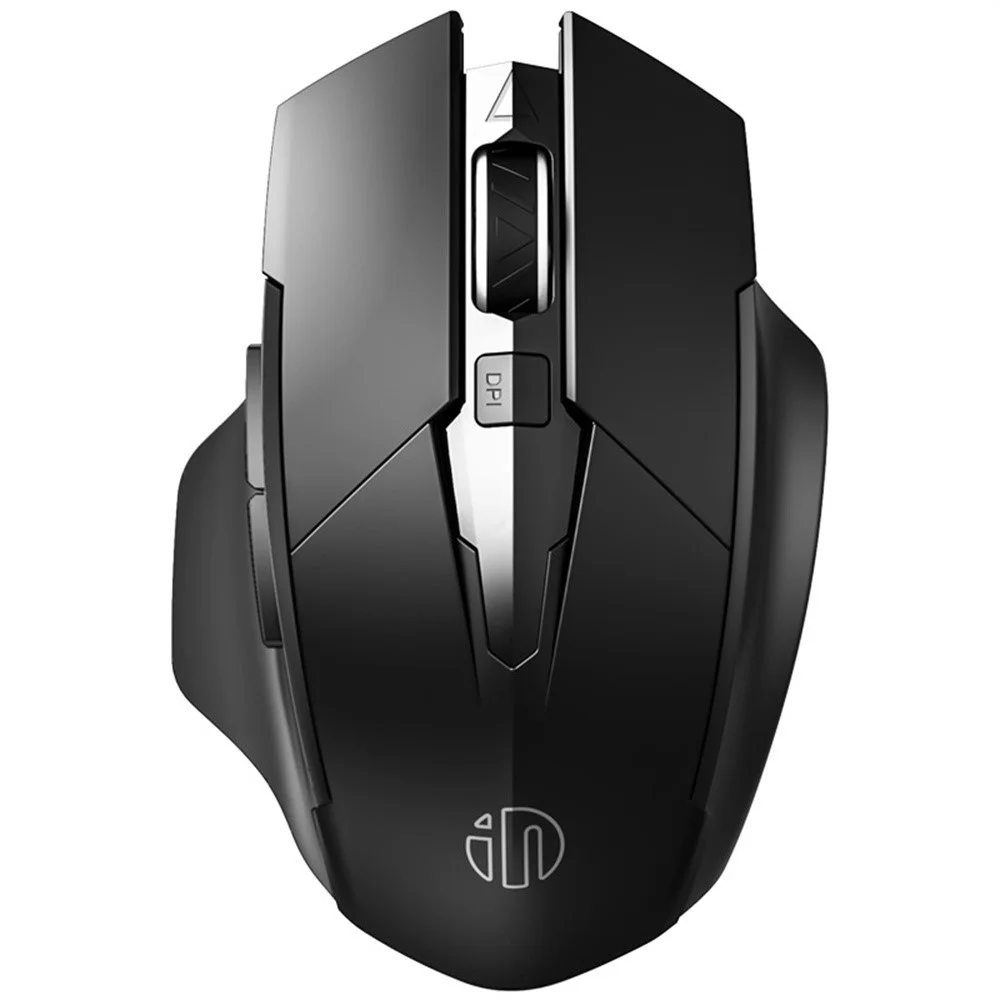
Inphic F1 2.4G Wireless Mouse with 500mAh Battery
৳2670
৳1490
44% OFF
Corporate & Bulk Orders
Need a custom quote? Contact our Sales Team on WhatsApp for exclusive pricing and quick responses.
WhatsApp UsCategory: Office and computer
The Inphic F1 2.4G wireless mouse is a high-performance peripheral designed for professionals and students seeking a quiet, reliable, and ergonomic solution for their daily computing needs. Featuring a built-in 500mAh rechargeable battery and silent click technology, it balances long-lasting power with a distraction-free experience.
Key Takeaways
- Rechargeable Power: 500mAh capacity eliminates the need for disposable AA batteries.
- Silent Operation: Advanced silent click technology reduces noise for quiet offices.
- Precision Tracking: Adjustable 800/1200/1600 DPI for versatile cursor control.
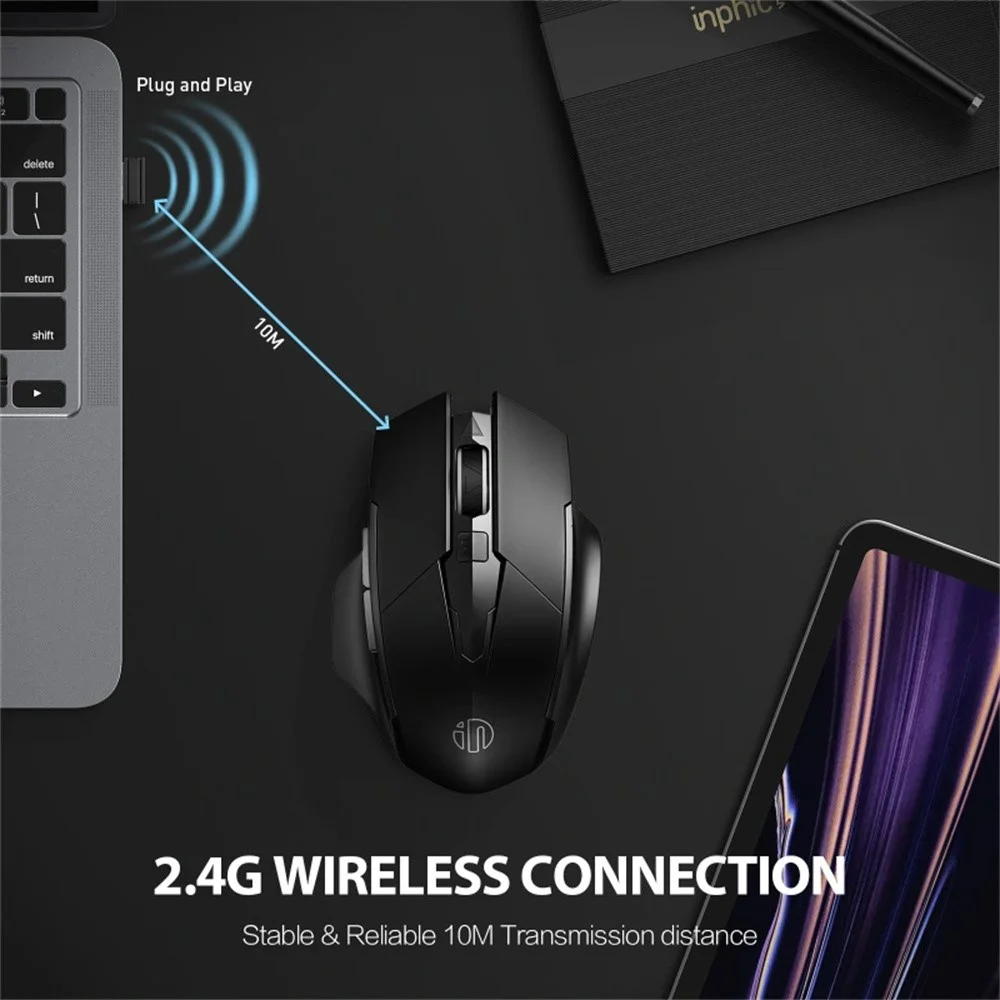
- Seamless Connectivity: Stable 2.4GHz wireless range up to 10 meters.
What is the Inphic F1 Wireless Mouse?
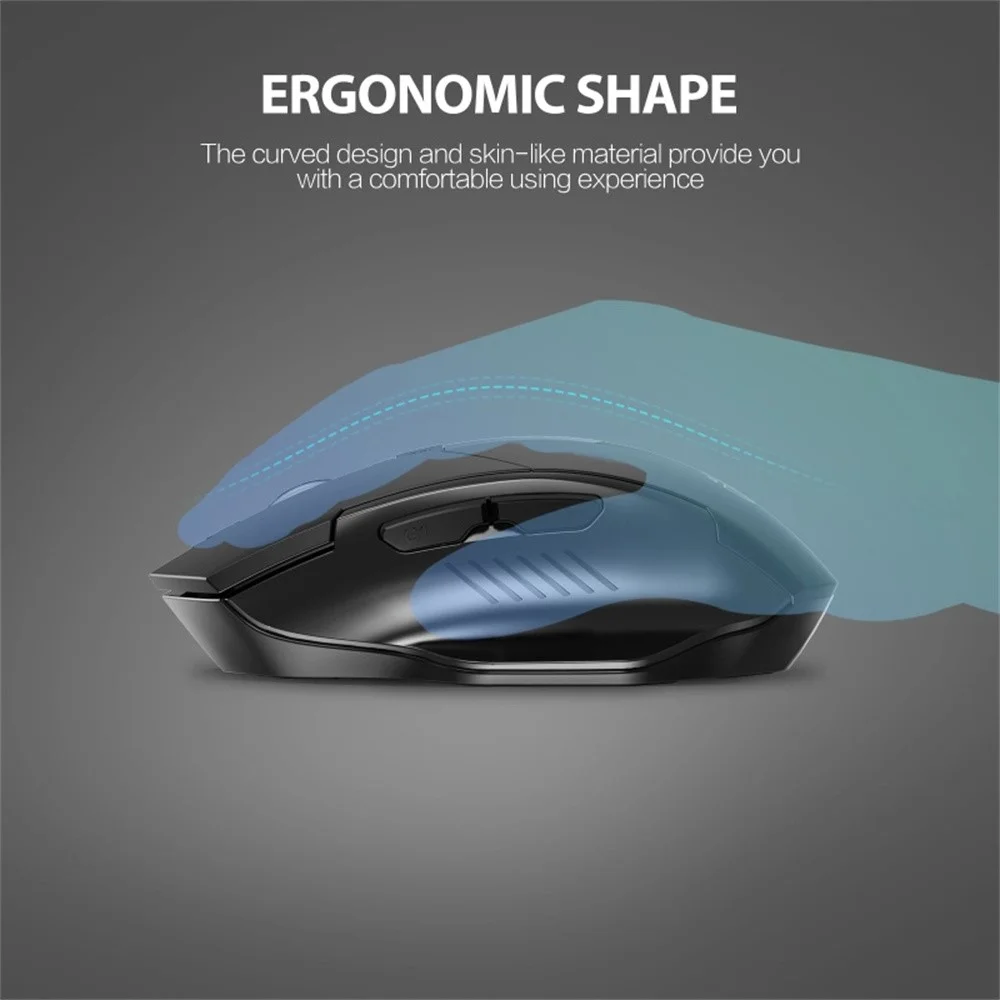
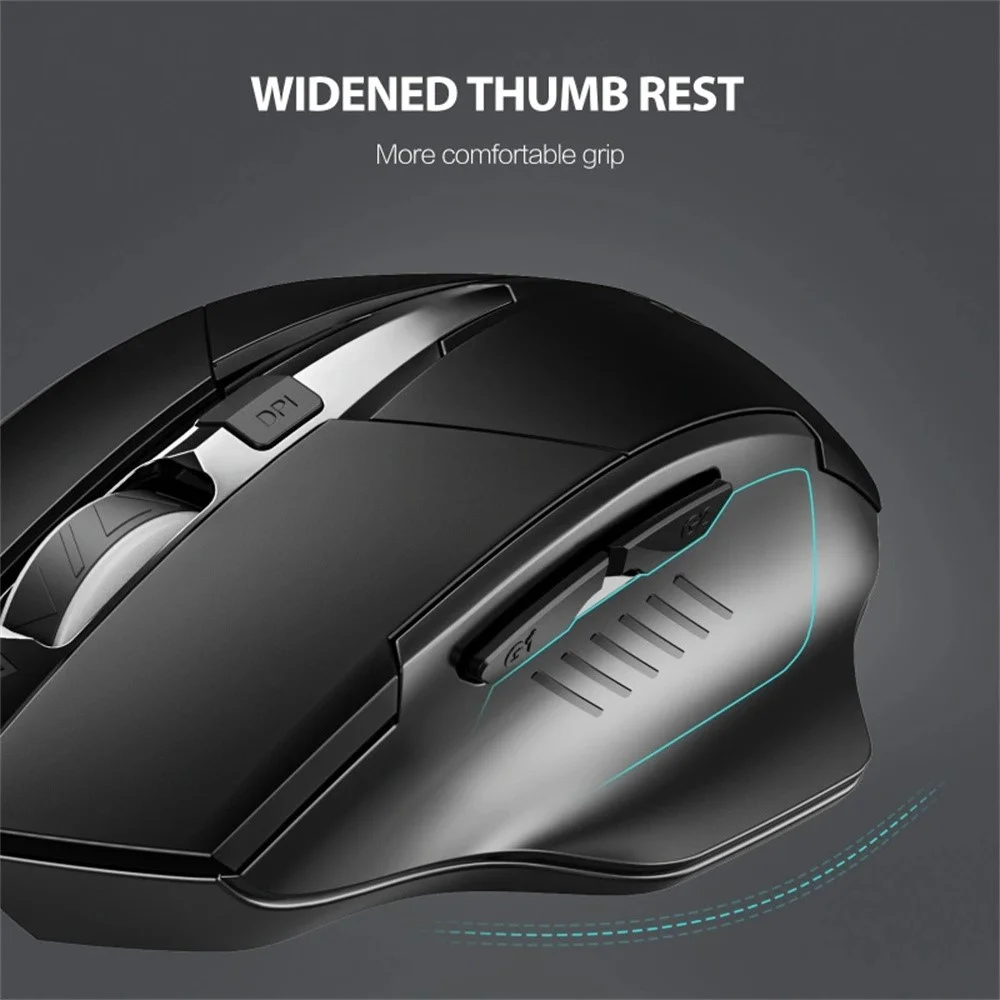
The Inphic F1 is a modern 2.4G wireless mouse engineered for comfort and productivity. The ergonomic shape significantly reduces hand strain during extended sessions, while the 90g lightweight build makes it an excellent choice for travel. By integrating a Type-C charging port, the mouse offers a future-proof charging experience that aligns with current laptop standards.
Technical Specifications
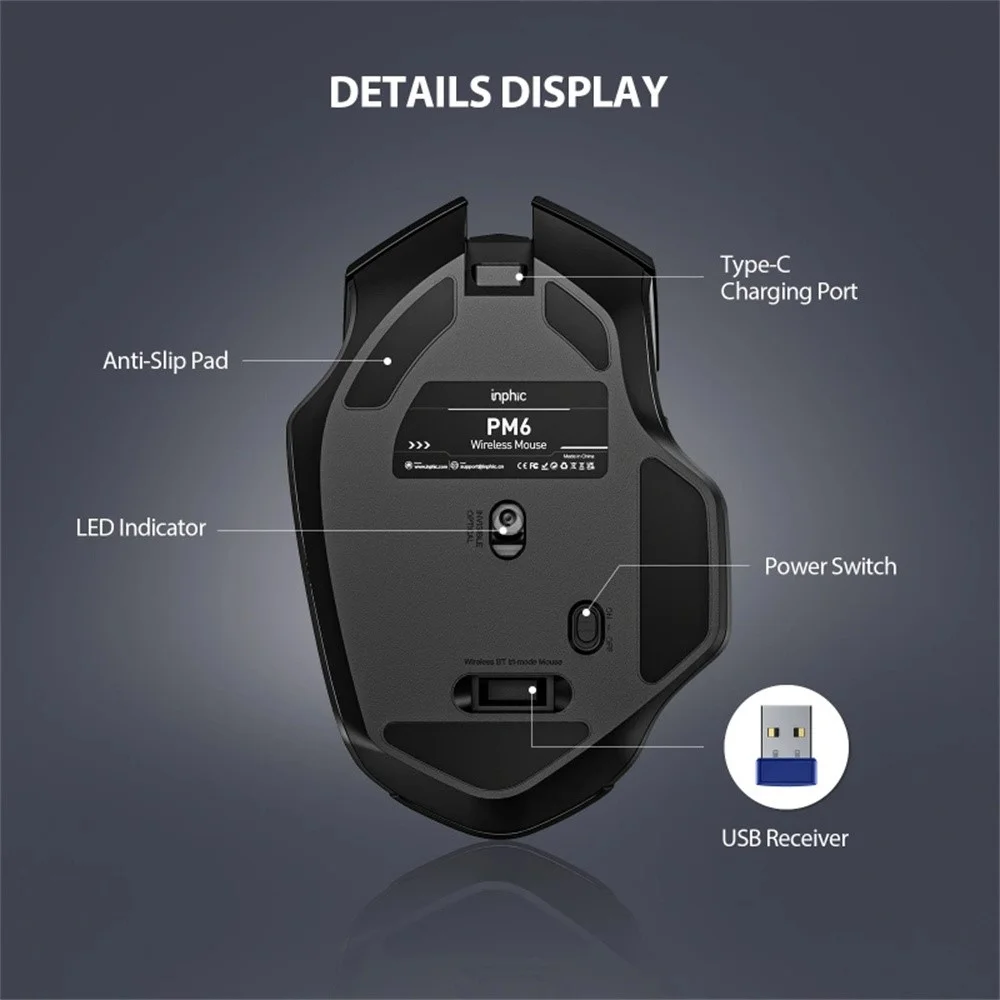
- Connectivity: 2.4GHz wireless (via USB receiver).
- DPI Settings: 800, 1200, and 1600 DPI.
- Battery: 500mAh rechargeable internal battery.
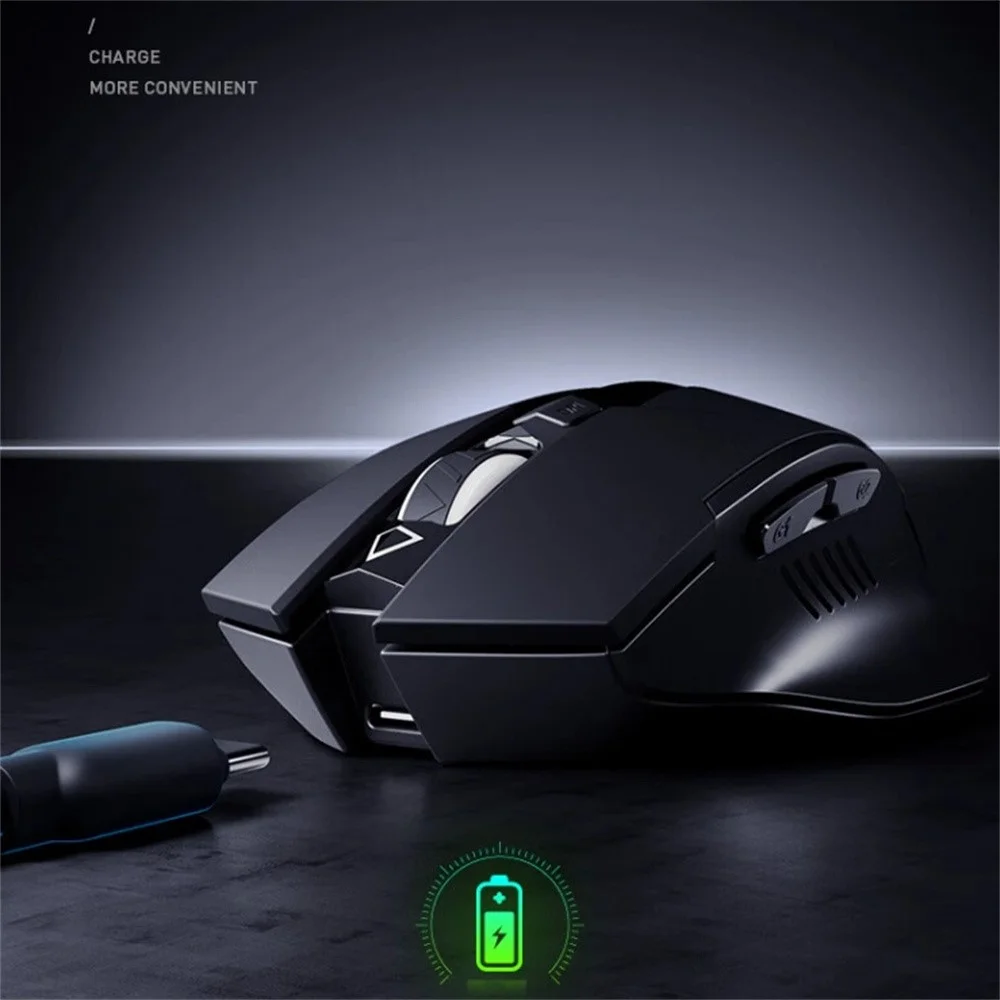
- Charging: USB Type-C interface.
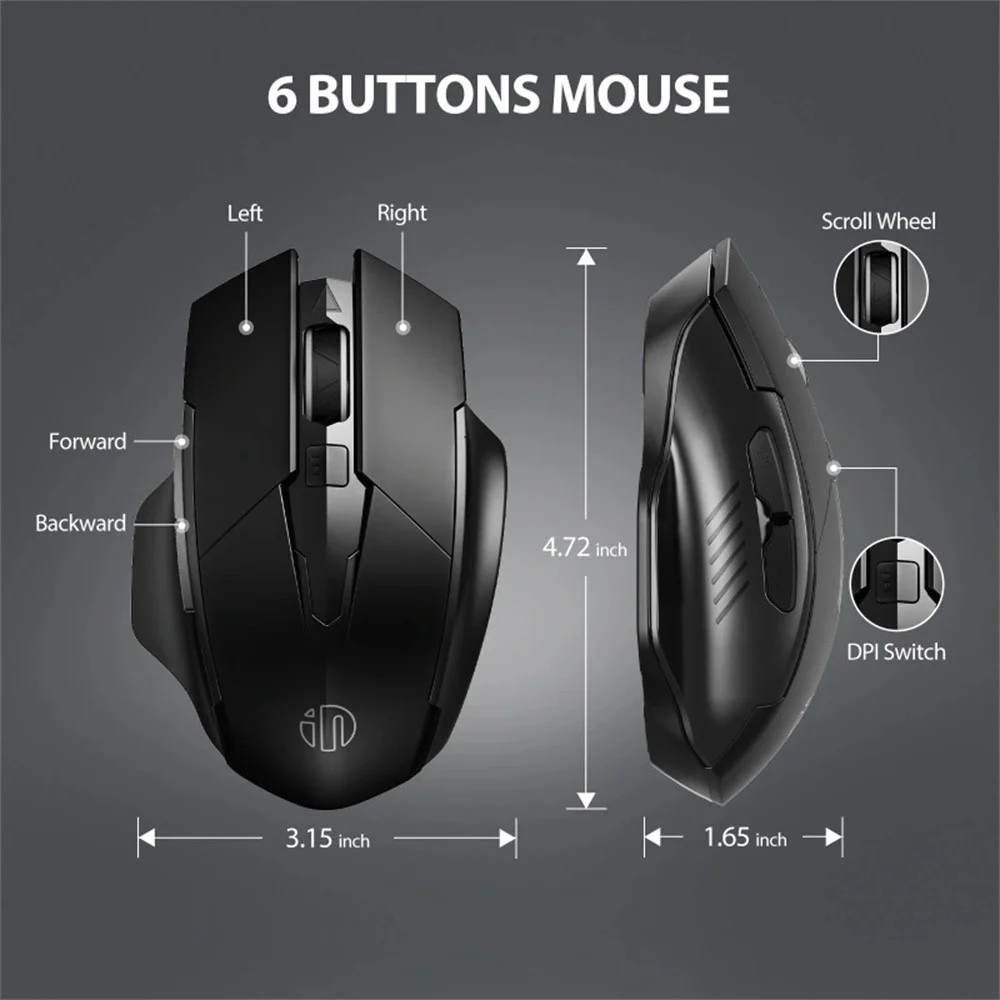
- Buttons: 6 responsive functional buttons.
- Weight: 90g (ultra-lightweight design).
- Compatibility: Windows XP and above, macOS.
- Performance Metrics: 30 IPS (Inches Per Second), 10G acceleration, 250Hz polling rate.
Why Choose the Inphic F1 for Your Office?
Finding the right balance between performance and silence is critical in shared office environments. The Inphic F1 addresses this by minimizing click noise without compromising tactile feedback. Furthermore, the 250Hz polling rate ensures that cursor movement remains smooth, providing a professional feel that cheap, generic mice often lack.
Efficiency is further boosted by the 6-button layout. The side shortcut keys offer intuitive forward and backward navigation, which saves significant time when browsing long documents or managing multiple web pages on Windows systems. The buttons are rated for a 3-million click lifespan, ensuring durability for high-volume users.
Ideal for Remote Work
For those working from home, the automatic power-saving mode is a game-changer. After 5 minutes of inactivity, the device enters sleep mode, ensuring that you don't return to a dead mouse after a break. The plug-and-play operation ensures that setup is instantaneous—simply insert the receiver into your USB port and start working.
Designed for Travel and Portability
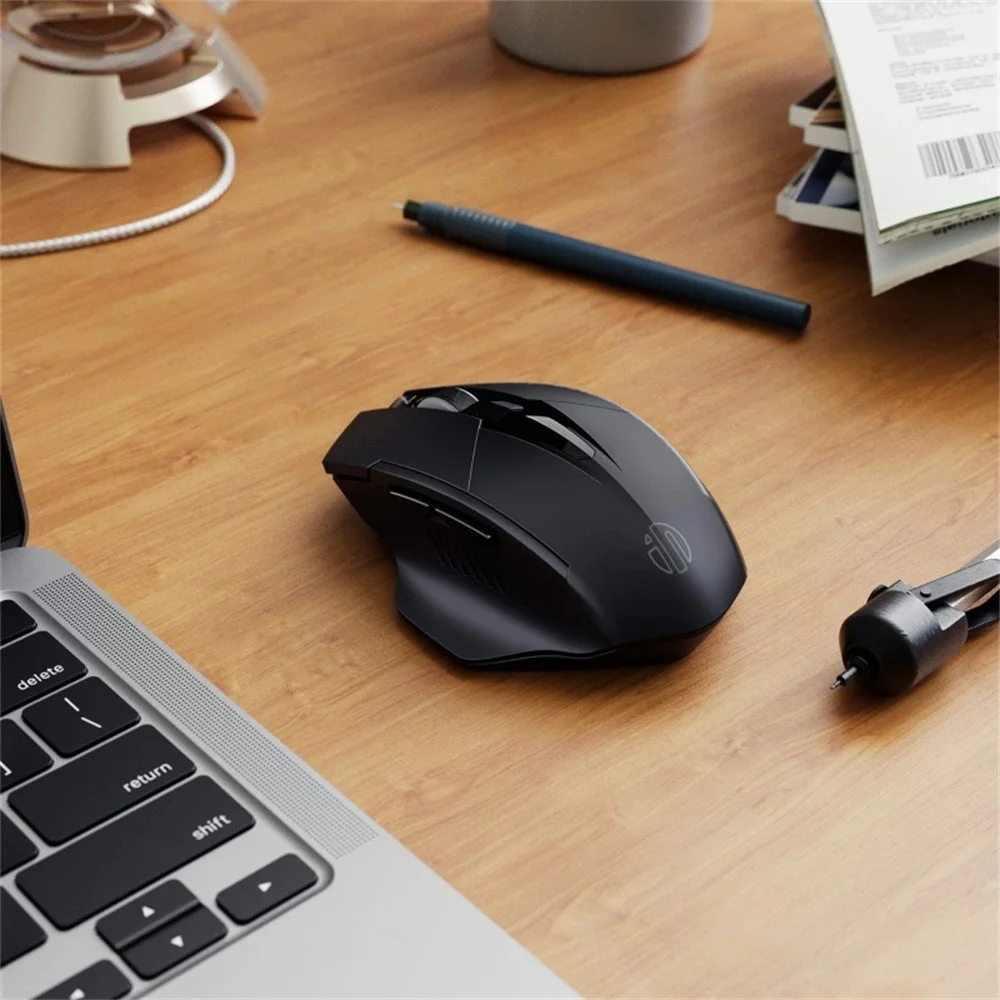
At just 90g, the Inphic F1 is lightweight enough to carry in any laptop bag. The slim profile fits comfortably alongside tablets and thin-and-light ultrabooks. Whether you are in a cafe, library, or hotel room, its stable 10-meter wireless range provides consistent performance wherever you go without requiring a direct line of sight to the receiver.
Understanding Precision and Sensor Performance
The performance of a wireless mouse is defined by its sensor capabilities. With an IPS (inches per second) rating of 30 and 10G of acceleration, the Inphic F1 is tuned for fluid movement. This prevents "cursor skipping," a common frustration with standard office mice when moving quickly across multiple high-resolution monitors.
The DPI switch located on the top of the device allows you to cycle between 800, 1200, and 1600 DPI instantly. Use 800 DPI for precise tasks like photo editing or detailed design work, and toggle to 1600 DPI when navigating dual-monitor setups where you need to traverse the screen area with minimal physical movement of your wrist.
Battery Management and Charging Tips
The integrated 500mAh battery provides a reliable power source that removes the ongoing cost of disposable batteries. Because it uses a USB Type-C connection, you can likely use the same cable currently powering your smartphone or modern laptop, reducing cable clutter in your workspace.
For the best longevity, try to charge the device before the battery completely depletes. While it features an auto-sleep function to preserve charge, a full top-up periodically ensures that you are never left without input when an urgent deadline strikes. The low-profile design means it doesn't take up significant space on your desk while charging.
Who is the Inphic F1 Best For?
This mouse is specifically tailored for three distinct user groups:
- Corporate Professionals: Those working in open-plan offices will appreciate the near-silent switches that do not disturb coworkers.
- Students: The combination of portability and durability makes it ideal for transitioning between home, lectures, and libraries.
- Casual Gamers/Casual Users: While not a specialized gaming peripheral, the 250Hz polling rate is more than sufficient for general browsing, casual gaming, and media consumption.
Reviewed by Adatun Team — Updated August 2026.


- Full refund available
We accept returns for eligible items within 2 days from the date of delivery. To be eligible for a return, the item must be unused, in its original packaging, and in the same condition as when you received it. Items that are non-returnable include [list any specific non-returnable items such as perishable goods, intimate items, etc.]
At adatun.com, we are committed to protecting your privacy and ensuring the security of your personal information. This Privacy Policy outlines how we collect, use, disclose, and protect the information you provide to us. By using our website, you consent to the practices described herein.
- The Inphic F1 wireless mouse is equipped with a 500mAh rechargeable battery, designed to provide long-lasting performance for daily use. While exact longevity depends on usage patterns, the included automatic power-saving mode, which activates after 5 minutes of inactivity, significantly extends the intervals between charges compared to standard models.
- The Inphic F1 wireless mouse offers broad compatibility across major operating systems. It is fully plug-and-play with Windows systems ranging from XP to the latest versions, and it also supports macOS devices. You do not need to install additional drivers, as the system automatically recognizes the mouse upon connection.
- You can easily cycle through the 3 available DPI levels—800, 1200, and 1600—by pressing the dedicated DPI adjustment button located on the mouse. This allows you to quickly switch between higher sensitivity for fast browsing and lower sensitivity for precision tasks like graphic design or photo editing.
- The Inphic F1 silent click technology is engineered to significantly reduce audible noise without sacrificing the tactile satisfaction of a physical click. Users will find the mouse provides consistent feedback and responsiveness that is ideal for quiet environments like offices or libraries, ensuring you stay productive without disturbing others around you.
Related in this store
- WiWU Wireless Mouse— Alternative transparent design for customers comparing aesthetic styles.
- laptop stands— Complementary office accessory for ergonomic desk setups.
- USB-C Hubs— Perfect companion for users looking to connect peripherals to modern laptops.
Sources
- Office Ergonomics Research— Supports the importance of ergonomic peripheral design for long-term health.
- Wireless Connectivity Standards— Contextual reference for 2.4GHz wireless transmission standards.
Reviewed by Adatun Team — reviewed by our category experts