
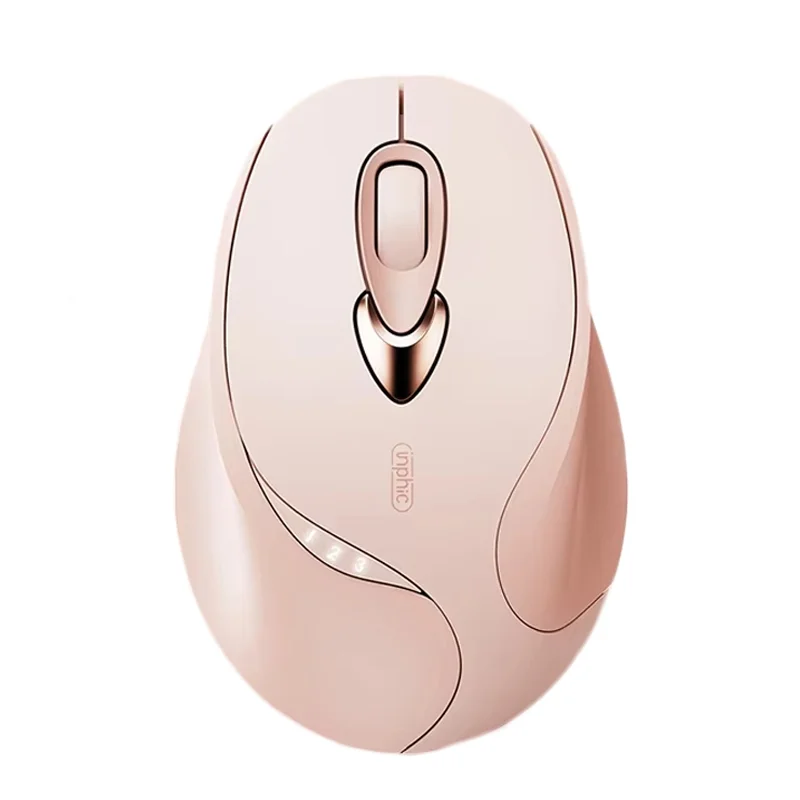
Inphic M8P Girl's Silent 2.4G Wireless Mouse
৳2500
৳1400
44% OFF
Corporate & Bulk Orders
Need a custom quote? Contact our Sales Team on WhatsApp for exclusive pricing and quick responses.
WhatsApp UsCategory: Office and computer
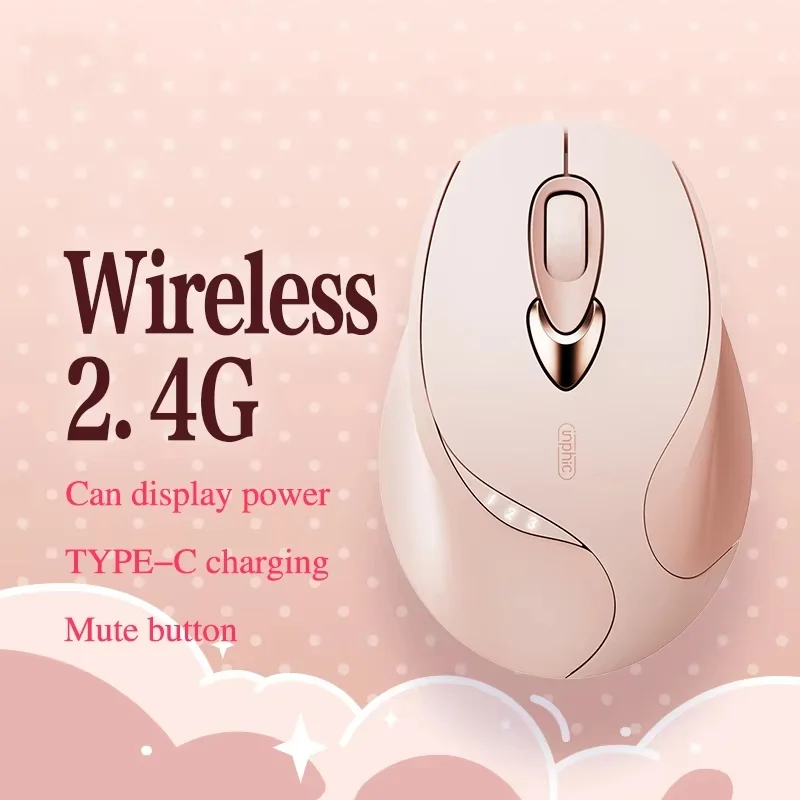
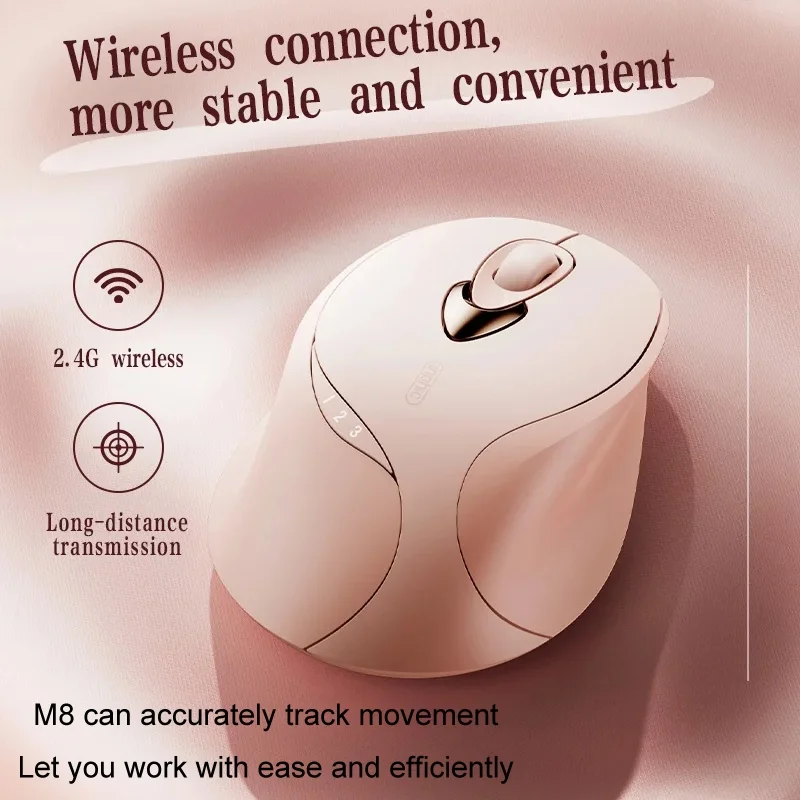
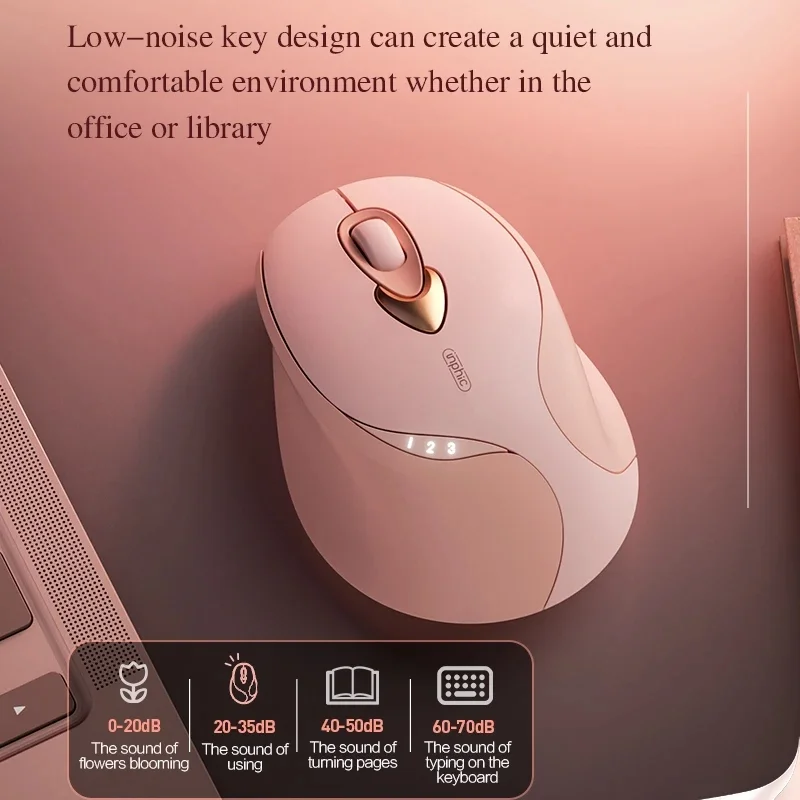
The Inphic M8P Girl's Silent 2.4G Wireless Mouse is a high-performance input device engineered for quiet, reliable, and ergonomic computing. Featuring a 500mAh rechargeable battery, noise-reducing silent switches, and 4 adjustable DPI levels, it provides professional precision for office, library, and remote work environments without the hassle of disposable batteries.
Key takeaways
- Noise-Free: Silent click technology minimizes audible output for shared workspaces.
- Long Battery Life: 500mAh internal battery supports extended usage between charges.
- Precision Tracking: Adjustable sensitivity up to 2400 DPI with 30 IPS tracking.
- Modern Interface: Includes convenient USB Type-C charging compatibility.
What is the Inphic M8P Wireless Mouse?
The Inphic M8P is a compact, noise-reducing wireless mouse designed to balance comfort and productivity. Our Adatun team has evaluated its performance, noting that the combination of its 74g lightweight build and ergonomic curvature significantly reduces wrist fatigue during long office sessions. It serves as an ideal solution for professionals and students seeking a distraction-free environment.
Technical Specifications and Performance
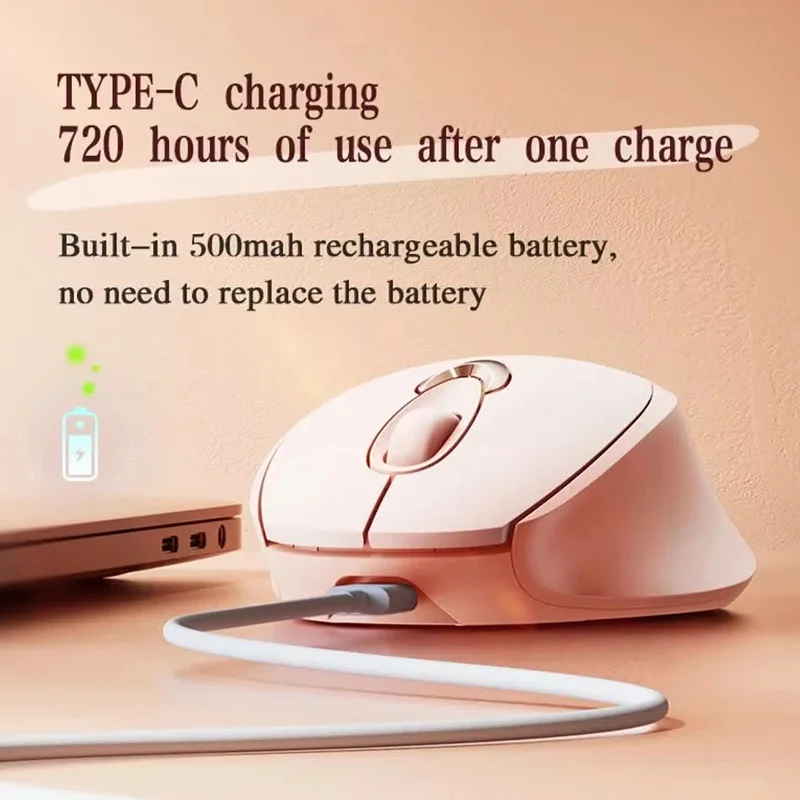
Designed for daily reliability, this device utilizes a stable 2.4GHz wireless connection with a 10-meter operational range. The hardware components are built for longevity, with switches rated for up to 3 million clicks. By moving away from disposable batteries in favor of a 500mAh rechargeable power system, users enjoy a consistent, reliable experience supported by an intelligent auto-sleep mode that extends battery health.
Precision and Sensor Accuracy
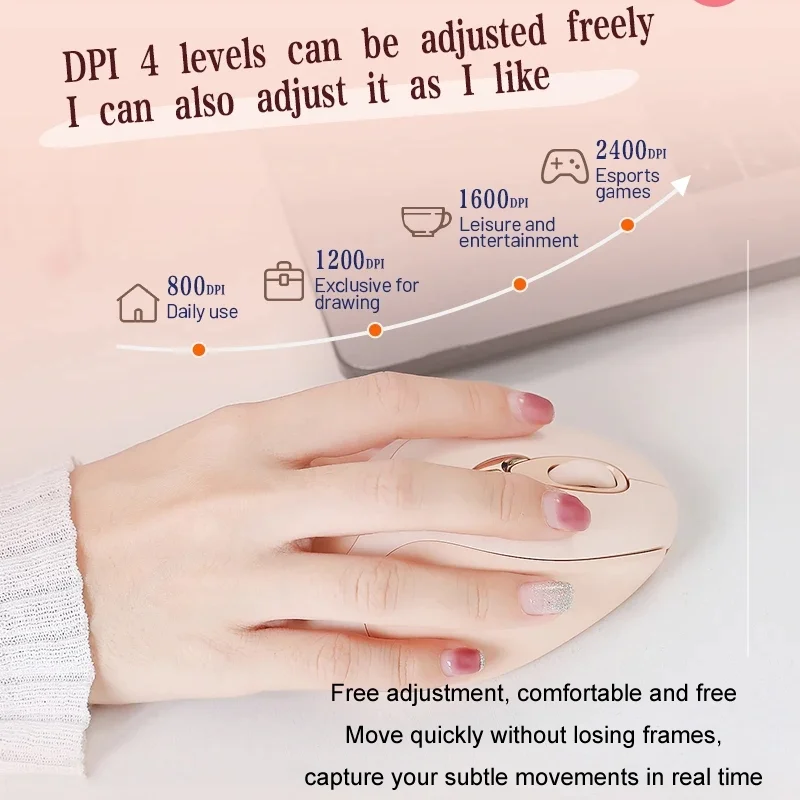
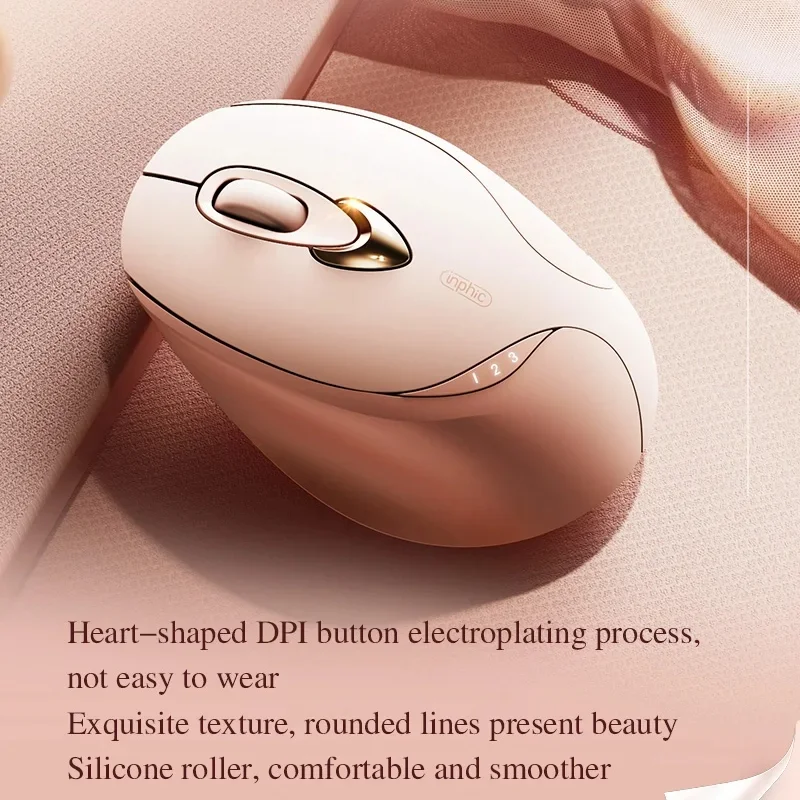
The optical sensor provides a 133Hz polling rate and 10G acceleration, ensuring smooth movement across various surfaces. With 4 adjustable DPI levels (800, 1200, 1600, and 2400), you can instantly toggle between high-speed navigation and pixel-perfect precision depending on your current task.
Ergonomics and Design
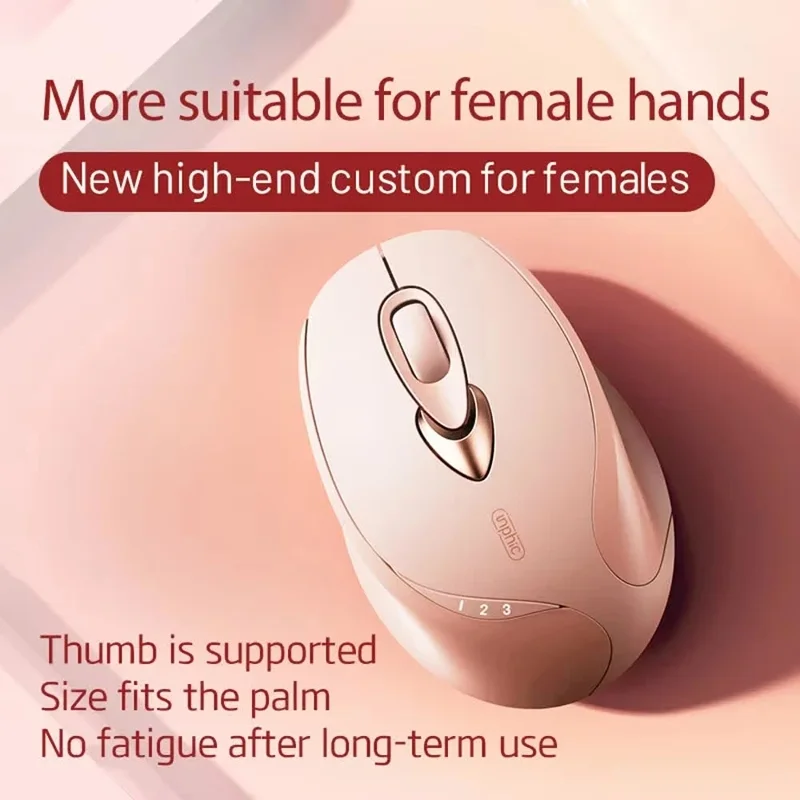
The physical design prioritizes user comfort through an ergonomic curved shape that fits naturally in the hand. The exterior features a sweat-resistant matte finish that maintains a secure grip while remaining resistant to fingerprints and daily smudges. This makes it an excellent choice for users who value a clean, professional aesthetic for their workspace.
Portability for Modern Work
At just 74g, the Inphic M8P is light enough to tuck into any laptop bag for remote work or travel. The plug-and-play operation means it is ready for use immediately upon plugging the USB receiver into your Windows or macOS device—no complex driver installation is required.
Why Choose This Mouse?
Choosing the right input device is critical for maintaining focus and comfort. The Inphic M8P stands out by addressing the three most common pain points in modern mice: noise, battery inconvenience, and weight. By consolidating these features into a high-quality, budget-friendly frame, Inphic delivers an exceptional balance of price and utility.
Use Case: The Quiet Office
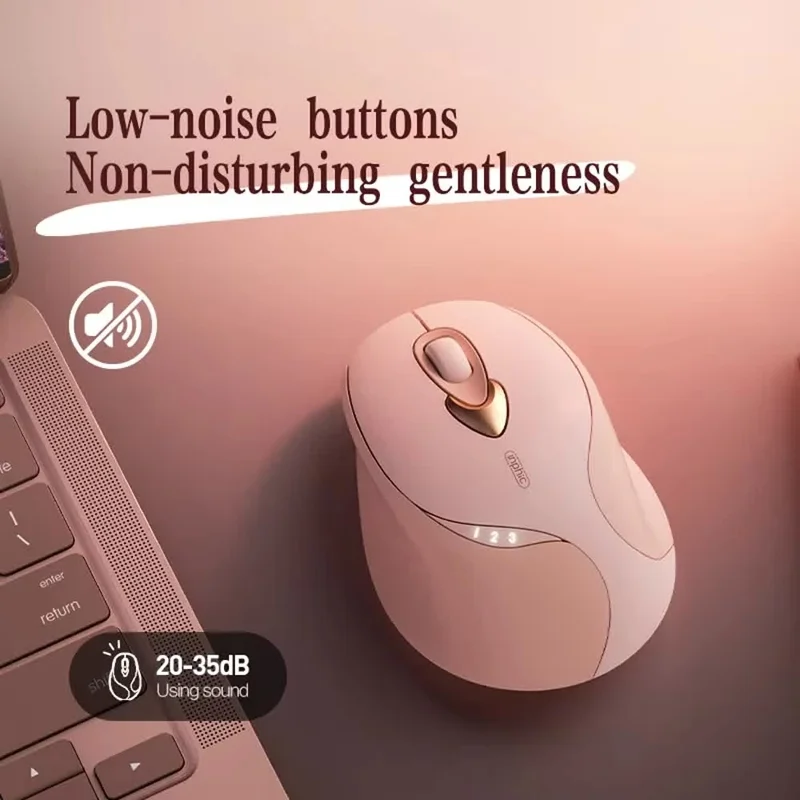
In shared offices or classrooms, traditional mice can be distracting. The silent click mechanism on the M8P allows you to work aggressively without disturbing those around you.
Use Case: Travel and Remote Work
For those frequently switching between workspaces, the compact dimensions (105 × 71 × 38 mm) combined with USB Type-C charging ensure that you can stay powered up anywhere without carrying bulky replacement batteries.
What's Included
- Inphic M8P Silent 2.4G Wireless Mouse
- USB-C Charging Cable
- 2.4GHz Wireless USB Receiver
- Full refund available
We accept returns for eligible items within 2 days from the date of delivery. To be eligible for a return, the item must be unused, in its original packaging, and in the same condition as when you received it. Items that are non-returnable include [list any specific non-returnable items such as perishable goods, intimate items, etc.]
At adatun.com, we are committed to protecting your privacy and ensuring the security of your personal information. This Privacy Policy outlines how we collect, use, disclose, and protect the information you provide to us. By using our website, you consent to the practices described herein.
- Yes, the Inphic M8P features advanced silent click technology that significantly reduces the noise of each button press. This design is specifically engineered for shared environments like libraries, open-plan offices, or classrooms where minimizing ambient noise is essential for maintaining a distraction-free experience for everyone around you.
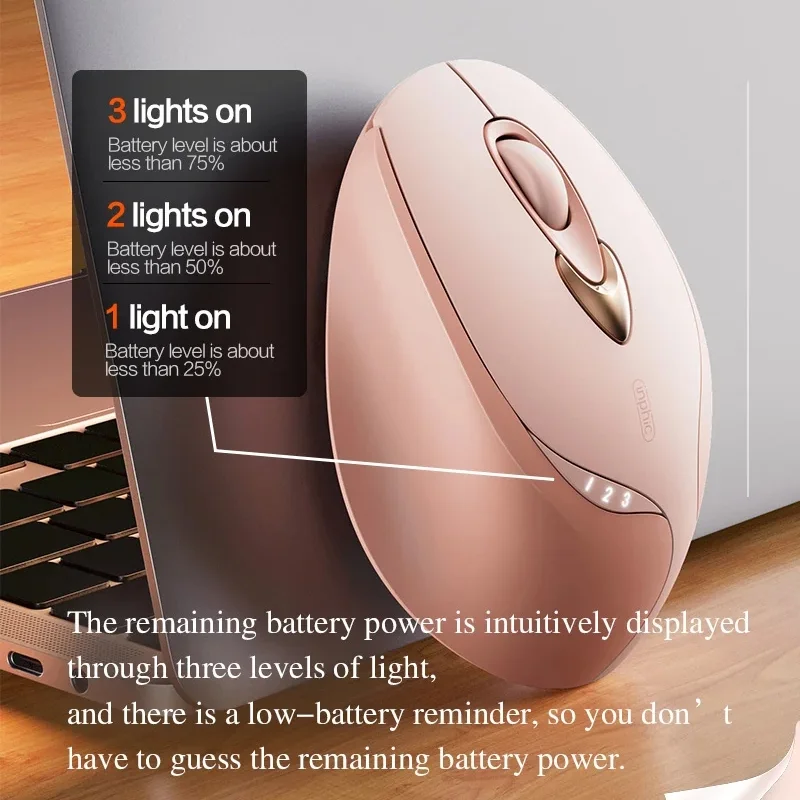
- The Inphic M8P is equipped with a 500mAh rechargeable battery that provides long-lasting power for daily tasks. Longevity typically depends on individual usage patterns and DPI settings, but the inclusion of an intelligent auto-sleep mode helps maximize this efficiency by conserving energy automatically during periods of inactivity, minimizing the frequency of required recharges.
- The Inphic M8P is designed for broad cross-platform compatibility. It works seamlessly with Windows systems running XP or any later version, as well as macOS devices. Because it uses plug-and-play technology, you simply insert the 2.4GHz wireless receiver into an available USB port to begin using the mouse immediately without installing extra drivers.
- Yes, the Inphic M8P supports 4 adjustable DPI levels: 800, 1200, 1600, and 2400. You can toggle between these settings to customize cursor speed based on your specific task, whether you need slow, precise movements for detailed design work or faster tracking for general web browsing and office productivity.
Related in this store
- wireless keyboards— Complements the wireless mouse for a complete desk setup.
- laptop stands— Improves workstation ergonomics alongside the mouse.
- USB hubs— Expands connectivity options for workspace setups.
Sources
- Inphic official product page— Verify technical specifications for the M8P model.
Reviewed by Adatun Team — reviewed by our category experts