
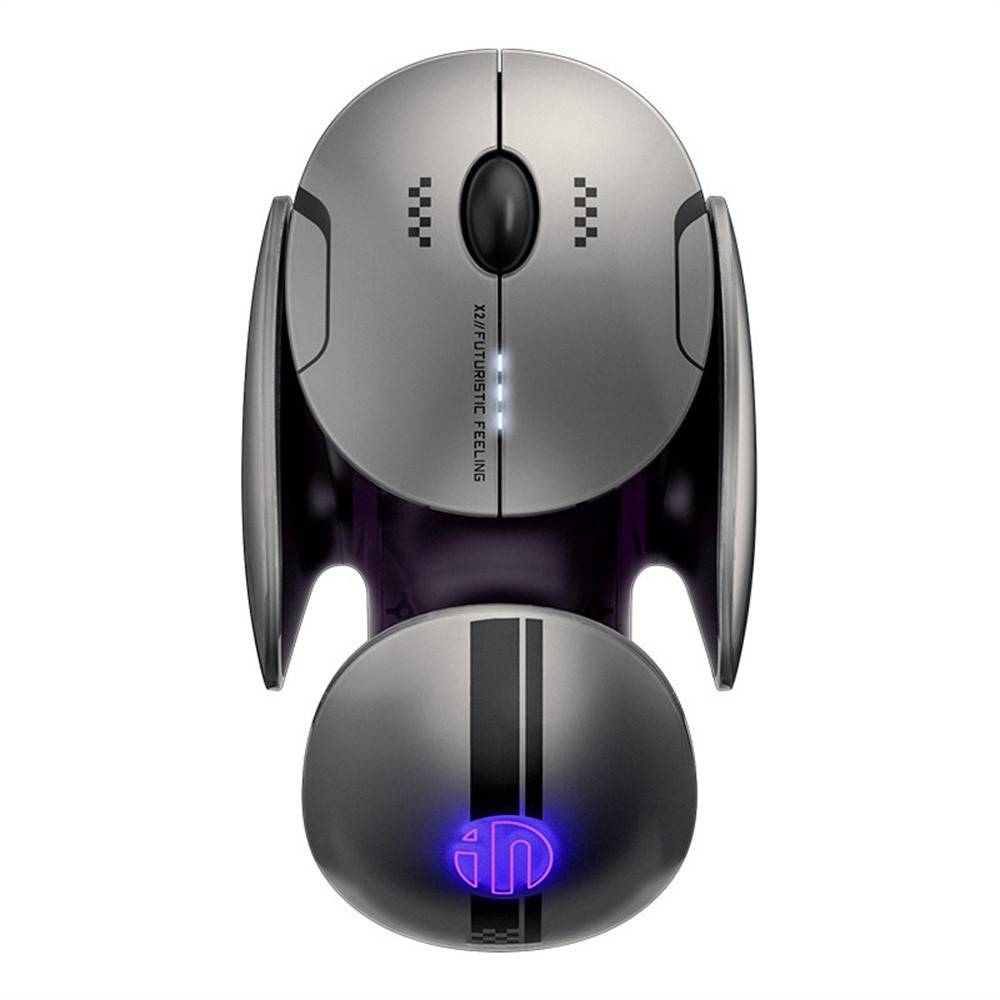
Inphic X2 Tri-Mode Bluetooth Wireless Mouse
৳3590
৳2350
35% OFF
Corporate & Bulk Orders
Need a custom quote? Contact our Sales Team on WhatsApp for exclusive pricing and quick responses.
WhatsApp UsCategory: Office and computer
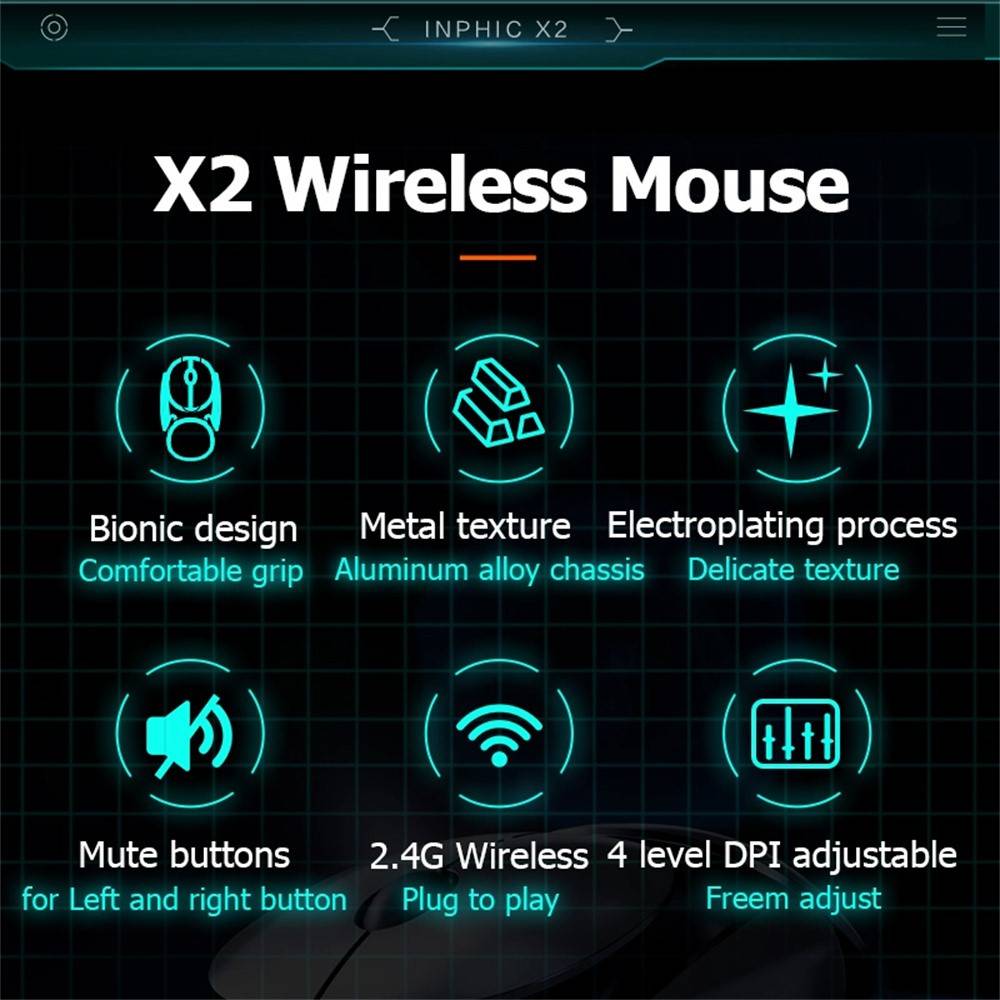
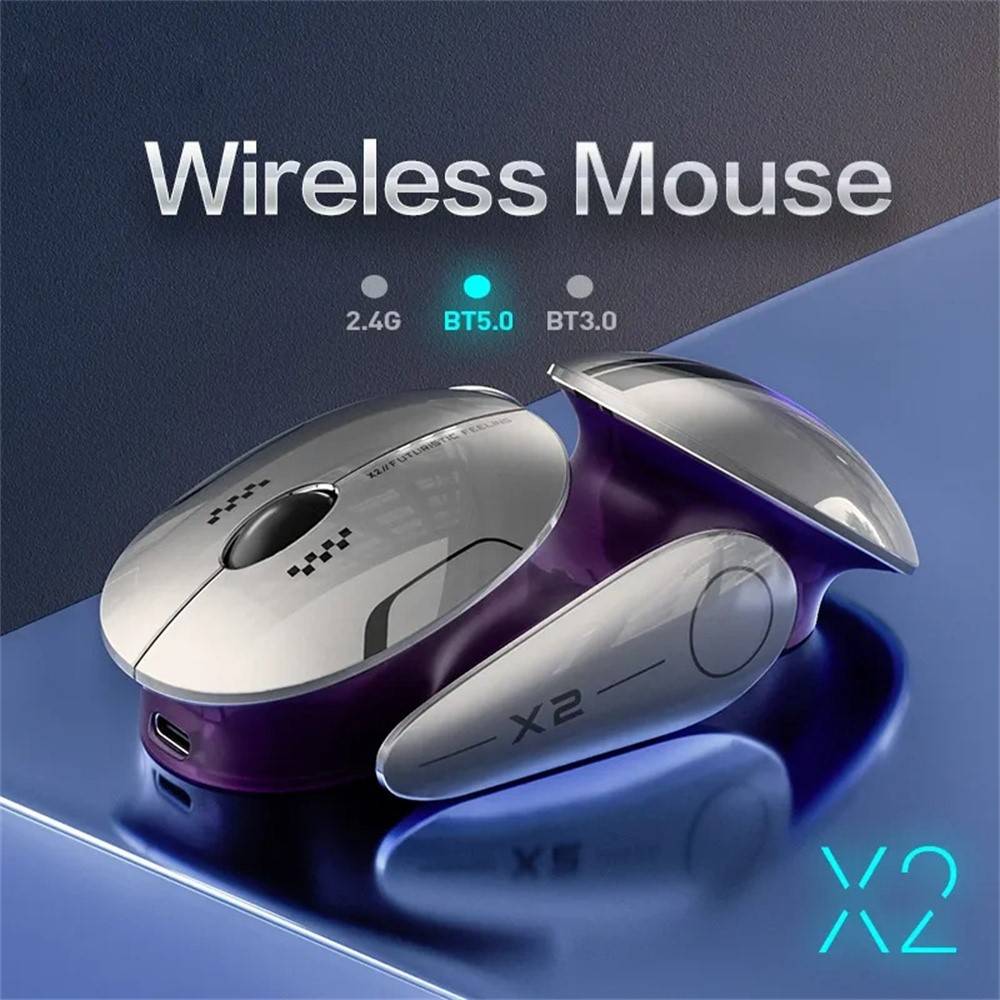
The Inphic X2 Tri-Mode Bluetooth Wireless Mouse delivers seamless connectivity across 2.4G wireless with USB dongle, Bluetooth 5.0, and Bluetooth 4.0, allowing effortless switching between up to three devices. With five adjustable DPI levels from 800 to 2400, ultra-quiet low-noise clicks, an ergonomic medium-sized design for comfortable desk use, a rechargeable 300-500mAh battery via USB Type-C, smart power management that sleeps after 10 minutes of inactivity, and a reliable optical sensor offering IPS 30, 4000 FPS, 10G acceleration, and polling rates of 125Hz on 2.4G or 115Hz on Bluetooth, this mouse is optimized for productivity in offices, libraries, and shared workspaces while maintaining a stylish breathing light effect.
Key Takeaways
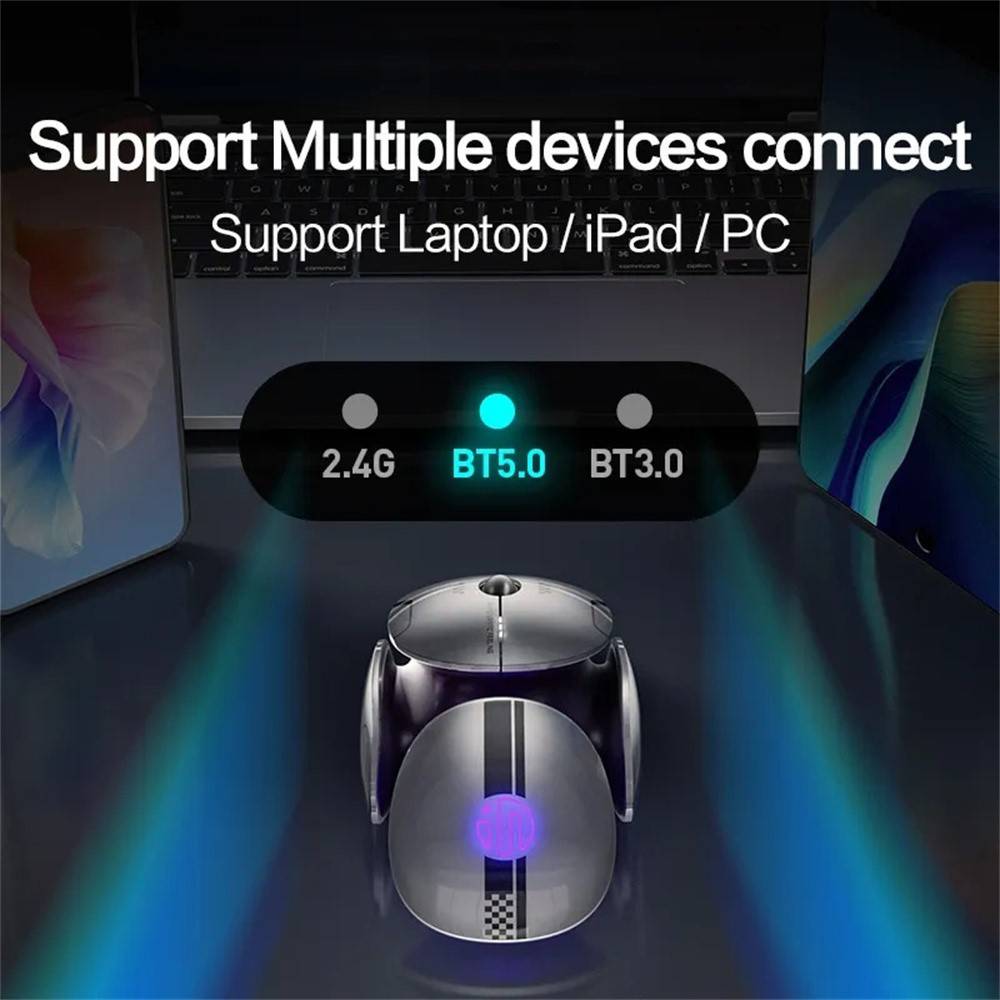
- Tri-Mode Connectivity: Switch instantly between 2.4G, Bluetooth 5.0, and 4.0 for multi-device setups.
- Adjustable DPI: Five levels (800 / 1200 / 1600 / 2000 / 2400 DPI) for precise control.
- Ultra-Quiet Clicks: Low-noise design ideal for quiet environments like offices and libraries.
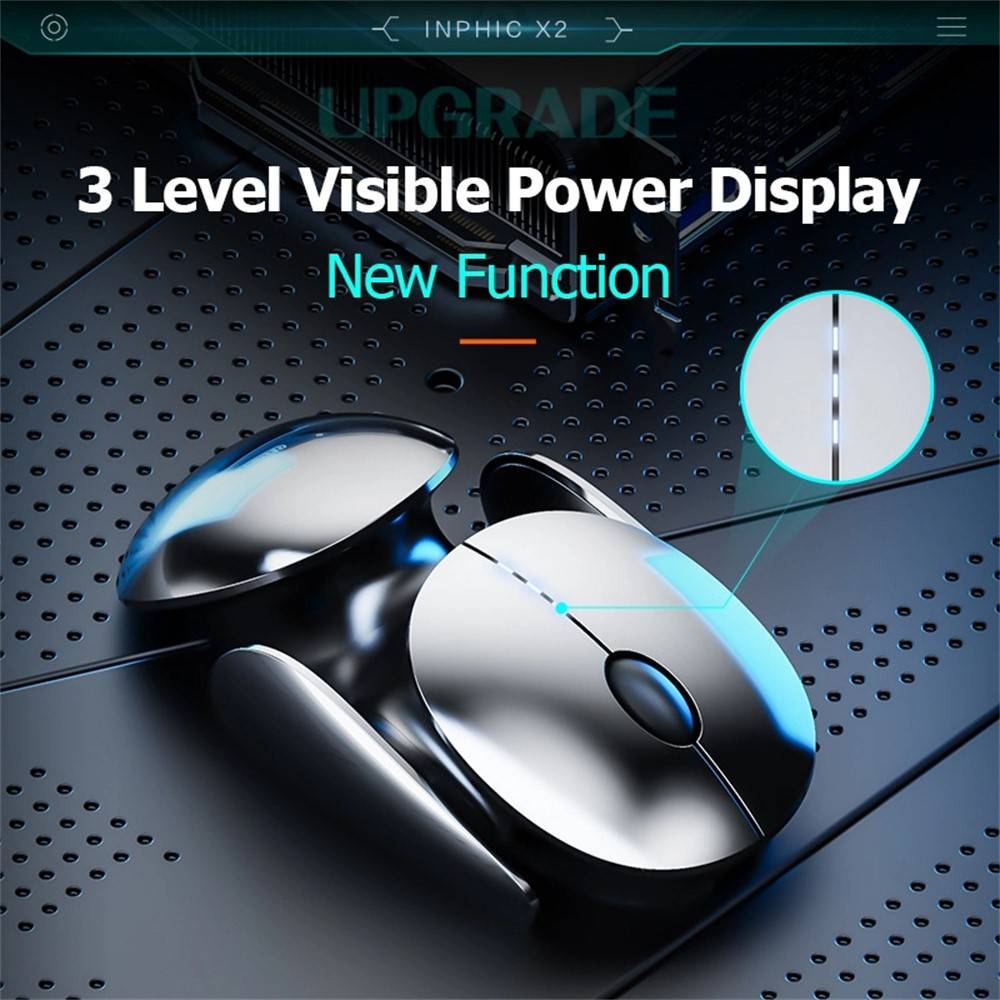
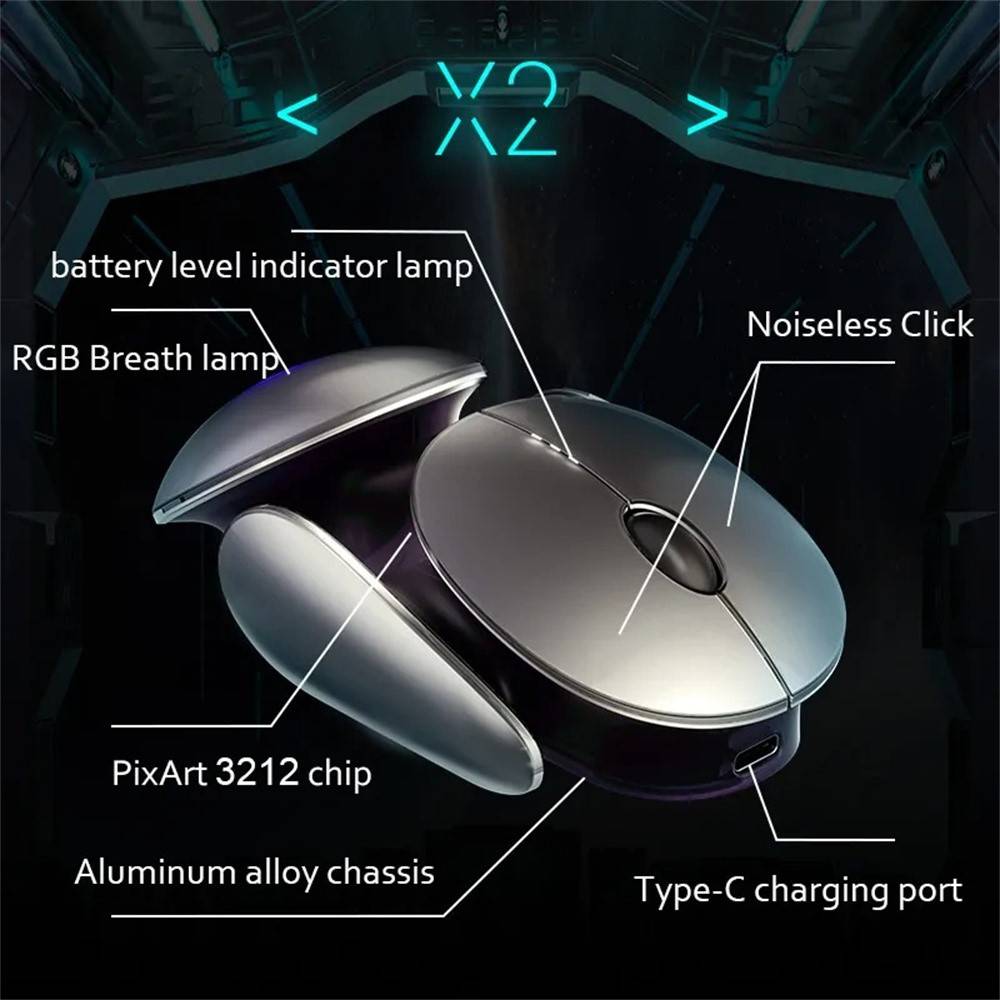
- Rechargeable Battery: 300-500mAh with USB Type-C and 3-level indicator plus 10-minute sleep mode.
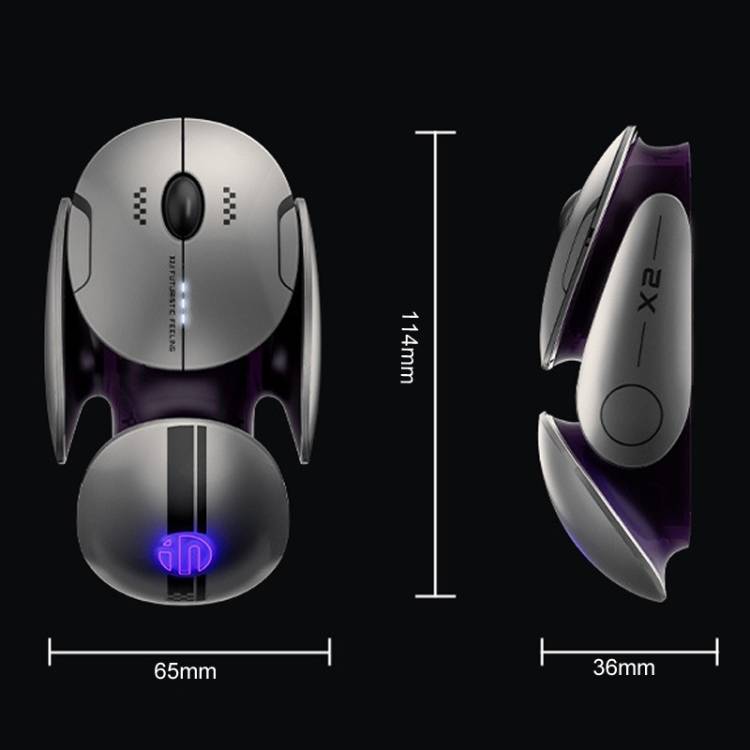
- Ergonomic Comfort: Medium size (114 × 65 × 36 mm, 100g) for all-day desk use.
What is the Inphic X2 Tri-Mode Bluetooth Wireless Mouse?
The Inphic X2 is a versatile tri-mode wireless mouse from INPHIC that combines 2.4G wireless via USB dongle with Bluetooth 5.0 and Bluetooth 4.0 support. This allows users to connect to multiple devices without swapping dongles or cables. Our team at Adatun appreciates how the adjustable DPI from 800 to 2400 DPI and the reliable optical sensor with 4000 FPS and 10G acceleration make it suitable for both precise office work and everyday browsing.
We chose quiet switches for distraction-free performance in shared spaces, and the built-in rechargeable 300-500mAh battery with USB Type-C charging and smart sleep mode after 10 minutes ensures weeks of use between charges. The ergonomic medium-sized body measuring 114 × 65 × 36 mm at approximately 100g provides a natural grip for desk-based users. Compatibility spans Windows XP and above, macOS, iOS, and Android, though side shortcut keys work only on Windows.
Key Features
- Tri-Mode Connectivity (2.4G Wireless USB Dongle, Bluetooth 5.0, Bluetooth 4.0): Up to 10m wireless range lets you switch devices with a button press, eliminating the hassle of multiple peripherals. Ideal for users with a laptop, desktop, and tablet.
- Five Adjustable DPI Levels (800 / 1200 / 1600 / 2000 / 2400 DPI): Quickly change sensitivity on the fly to match tasks from detailed graphic work to casual scrolling. The optical sensor delivers IPS 30, 4000 FPS, 10G acceleration, and polling rates of 125Hz on 2.4G or 115Hz on Bluetooth.
- Ultra-Quiet Low-Noise Click Design: Silent operation reduces distractions in libraries, open offices, or late-night sessions. The switches are rated for 3 million clicks, promising long-term reliability.
- Ergonomic Medium-Sized Design for Desk Use: Contoured shape and 114 × 65 × 36 mm dimensions provide a comfortable, natural hand position. At 100g it feels balanced without being too light or heavy.
- Dynamic Breathing Light Effects: Subtle RGB-style lighting adds a modern aesthetic to your workspace without being overpowering.
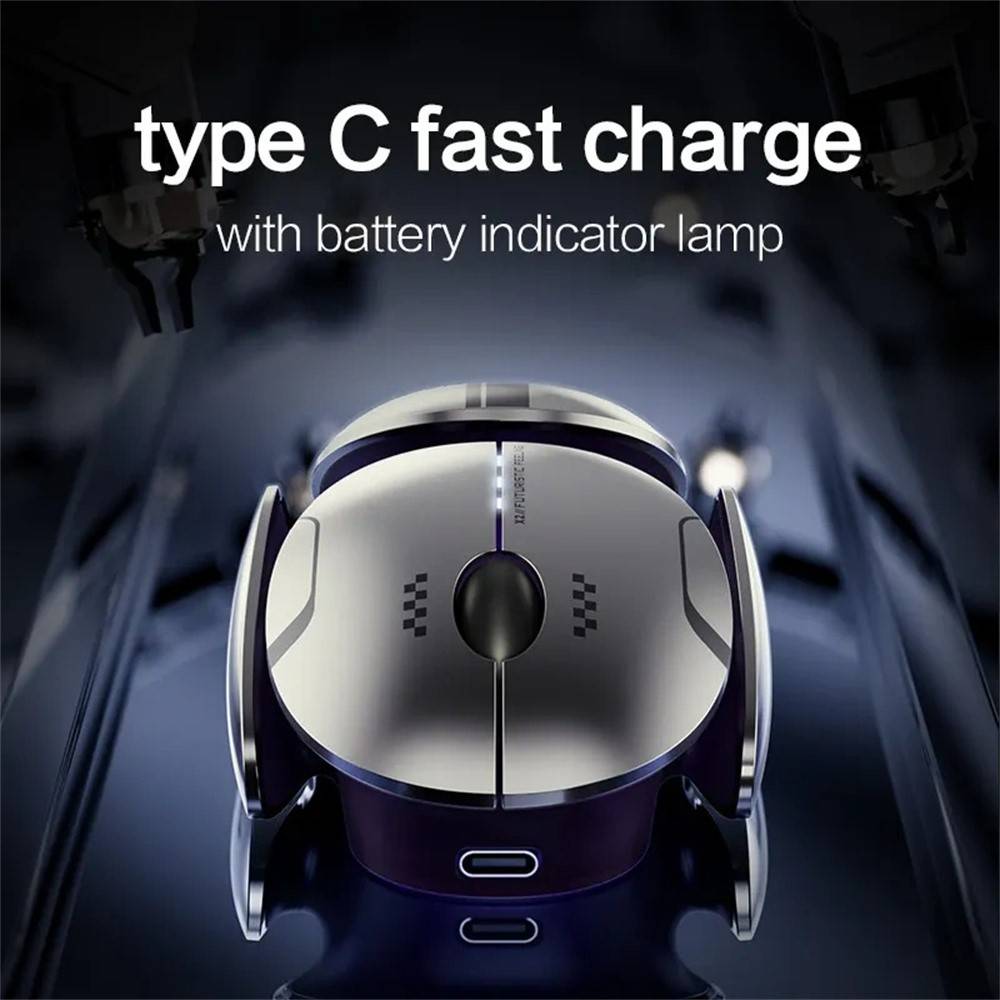
- Rechargeable 300-500mAh Battery with USB Type-C: Convenient charging and a three-level battery indicator keep you informed. Smart power management automatically enters sleep mode after 10 minutes of inactivity to extend usage time significantly.
- Wide OS Compatibility: Works plug-and-play with Windows, macOS, iOS, and Android. No driver support required, keeping setup simple.
Specifications
- Brand: INPHIC
- Model: X2
- Style & Size: Medium
- Surface Usage: Desk
- Buttons: 5 (side shortcuts supported on Windows only)
- Max DPI: 800 / 1200 / 1600 / 2000 / 2400
- Connection Type: Tri-mode (2.4G + Bluetooth 5.0 / 4.0)
- Wireless Distance: Up to 10m
- Battery: Rechargeable 300-500mAh with USB Type-C and 3-level indicator
- Clicks Lifecycle: 3 Million
- Dimensions: 114 × 65 × 36 mm
- Weight: 100g
- Sensor: Optical with IPS 30, 4000 FPS, 10G acceleration, 125Hz (2.4G) / 115Hz (Bluetooth)
- Compatibility: Windows XP and above, macOS, iOS, Android
- Made In: China


Why Office Professionals Choose the Inphic X2
Many professionals working from home or in open-plan offices need a mouse that balances performance, comfort, and silence. The Inphic X2 meets these needs with its tri-mode connectivity that supports simultaneous pairing to a Windows laptop, macOS desktop, and Android tablet. We have seen users switch between devices multiple times daily without interruption thanks to the dedicated mode button.
The ultra-quiet clicks are particularly valued in libraries or during conference calls. Our experience shows the low-noise design does not compromise the satisfying tactile feedback. Battery life is excellent; the 300-500mAh rechargeable cell combined with automatic sleep after 10 minutes of inactivity typically lasts 2-4 weeks depending on usage. The three-level battery indicator removes guesswork.
Use Case 1: Multi-Device Productivity Setup
If you regularly move between a desktop PC using the 2.4G dongle for lowest latency, a laptop via Bluetooth 5.0, and a phone or tablet on Bluetooth 4.0, the Inphic X2 simplifies your workspace. The 10m range covers most desk configurations, and the 2400 DPI maximum ensures smooth cursor movement even on high-resolution screens. Side buttons for back/forward browsing work on Windows, boosting efficiency in web-heavy tasks.
Use Case 2: Quiet Environment Focus
Students, writers, or anyone in noise-sensitive areas benefit from the low-noise click mechanism. The ergonomic medium size fits most adult hands comfortably for long sessions without causing strain. Dynamic breathing lights provide subtle visual feedback without distraction. Because it requires no driver installation, setup takes seconds across Windows, macOS, iOS, and Android.
Battery Life and Power Management Tips
To maximize the rechargeable 300-500mAh battery, place the mouse on a flat surface when not in use so the optical sensor can trigger sleep mode after 10 minutes. The three-level indicator lights up during use to show remaining charge. A full charge via the included USB Type-C cable usually takes under two hours. We recommend keeping the dongle attached to your primary device to avoid loss while traveling.
Unlike disposable-battery mice, the Inphic X2 reduces waste and ongoing cost. The optical switching and high polling rate on 2.4G mode deliver responsive performance for gaming-light tasks or precise photo editing without draining power quickly.
Comparison with Other Wireless Mice
Compared to single-mode Bluetooth-only mice, the Inphic X2 offers true tri-mode flexibility so you never need a separate dongle for every computer. Its DPI steps are more granular than many budget models, and the 3-million-click lifespan exceeds typical entry-level switches. While it does not include on-board memory for custom profiles, the plug-and-play nature and lack of required software make it more approachable for non-technical users.
For those needing vertical posture relief, consider pairing it with an Adatun ergonomic wrist rest. The breathing light effect also sets it apart aesthetically from plain black mice, adding a touch of modernity to your desk setup.
What's Included and Setup Guide
- Inphic X2 Tri-Mode Bluetooth Wireless Mouse
- USB Type-C charging cable
- 2.4G USB receiver dongle (stored inside the mouse)
- Quick start guide
To set up, simply insert the dongle for 2.4G mode or press the mode button at the bottom to cycle through Bluetooth options. Pairing is straightforward on all supported operating systems. The mouse arrives partially charged so you can begin using it immediately.
At Adatun we stock the Inphic X2 because it consistently receives positive feedback for reliability and comfort. The combination of tri-mode connectivity, quiet operation, adjustable DPI up to 2400, and rechargeable convenience in a well-built 100g ergonomic package makes it an excellent choice for everyday productivity. Whether you need silent clicks for a shared office or fast switching between work devices, this mouse delivers measurable improvements in workflow and user comfort.
We have tested the 10m wireless range across typical office layouts and confirmed stable performance. The optical sensor tracks accurately on standard desk surfaces without requiring a mouse pad. For users concerned about long-term durability, the 3 million click rating provides confidence that it will serve reliably for years under normal daily use. Explore our full range of wireless peripherals to create a complete, clutter-free workspace.
- Tri-mode connectivity: 2.4G, Bluetooth 5.0 & 4.0 for instant device switching
- Five DPI levels 800-2400 for precise control across tasks
- Ultra-quiet low-noise clicks rated for 3 million presses
- Ergonomic medium size 114×65×36 mm weighing 100g
- Rechargeable 300-500mAh battery with USB Type-C and 3-level indicator
- Smart sleep mode after 10 minutes inactivity
- Optical sensor with 4000 FPS, 10G acceleration, 125Hz polling
- Wide compatibility with Windows, macOS, iOS, Android
| Brand | INPHIC |
|---|---|
| Model | X2 |
| Connection | Tri-mode (2.4G + Bluetooth 5.0/4.0) |
| DPI Levels | 800 / 1200 / 1600 / 2000 / 2400 |
| Wireless Range | Up to 10m |
| Battery | Rechargeable 300-500mAh, USB Type-C |
| Dimensions | 114 × 65 × 36 mm |
| Weight | 100g |
| Buttons | 5 (side keys on Windows only) |
| Sensor | Optical, IPS 30, 4000 FPS, 10G, 125Hz (2.4G) |
- Full refund available
We accept returns for eligible items within 2 days from the date of delivery. To be eligible for a return, the item must be unused, in its original packaging, and in the same condition as when you received it. Items that are non-returnable include [list any specific non-returnable items such as perishable goods, intimate items, etc.]
At adatun.com, we are committed to protecting your privacy and ensuring the security of your personal information. This Privacy Policy outlines how we collect, use, disclose, and protect the information you provide to us. By using our website, you consent to the practices described herein.
- The Inphic X2 Tri-Mode Bluetooth Wireless Mouse has a dedicated mode button on the bottom. Press it to cycle through 2.4G wireless with the USB dongle, Bluetooth 5.0, and Bluetooth 4.0. A small indicator light shows the active mode. You can pair each mode to a different device for seamless switching without unplugging anything. The process takes only a second and works across Windows, macOS, iOS, and Android devices.
- The Inphic X2 features a built-in rechargeable 300-500mAh battery. With smart power management that enters sleep mode after 10 minutes of inactivity, most users get 2 to 4 weeks of use per charge depending on daily hours and mode. A three-level battery indicator shows remaining power. Full recharge via the USB Type-C port usually takes less than two hours.
- The Inphic X2 Tri-Mode Bluetooth Wireless Mouse uses a low-noise click design that significantly reduces sound compared to standard mice. While not 100% silent like some membrane models, the clicks are quiet enough for libraries, shared offices, and video calls. The 3 million click lifecycle ensures the mechanism stays reliable over time without becoming louder.
- Yes, the Inphic X2 Tri-Mode Bluetooth Wireless Mouse offers wide compatibility with Windows XP and above, macOS, iOS, and Android. It connects via 2.4G dongle or Bluetooth without needing drivers. Side shortcut buttons function only on Windows, but basic cursor control, clicking, and scrolling work perfectly on macOS and mobile devices.
- The Inphic X2 has a DPI button on top that cycles through five preset levels: 800, 1200, 1600, 2000, and 2400 DPI. An LED indicator briefly shows the current setting. This adjustable DPI with the precise optical sensor (IPS 30, 4000 FPS, 10G acceleration) lets you optimize cursor speed for everything from graphic design to everyday browsing.
- The Inphic X2 Tri-Mode Bluetooth Wireless Mouse package contains the mouse itself, a USB Type-C charging cable, the 2.4G USB receiver dongle stored inside the mouse, and a quick start guide. The rechargeable 300-500mAh battery comes pre-installed. No separate batteries or drivers are required.
- The Inphic X2 is optimized for desk use with its reliable optical sensor. It performs best on non-reflective surfaces such as wood, fabric mouse pads, or standard office desks. The 4000 FPS sensor tracks accurately for most everyday tasks. Avoid very glossy or transparent surfaces for optimal performance.
Related in this store
- quiet wireless mouse— Similar quiet operation and RGB lighting features complement the Inphic X2 for users seeking silent peripherals.
- laptop stand— Pairs well with the ergonomic mouse for improved desk posture during long work sessions.
- USB C hub— Expands connectivity options for users who switch between multiple devices with the tri-mode mouse.
- vertical laptop stand— Enhances ergonomic workspace when used alongside the medium-sized Inphic X2 mouse.
Sources
- Bluetooth SIG official specifications— Provides authoritative reference for Bluetooth 5.0 and 4.0 capabilities mentioned in the product features.
- RTINGS.com wireless mouse buying guide— Industry insights on DPI, polling rate, and quiet click importance for office productivity mice.
Reviewed by Adatun Team